Additive manufacturing

On the agenda
- Three main families
- Fused filament (FDM)
- Resin (SLA)
- Powder and the other processes
- Materials
Three main families
| Fused filament (FDM) | Resin (SLA) | Powder (SLS) | |
|---|---|---|---|
| Material | Plastic filament | Liquid resin | Fine powder |
| Hardened by | Cooling | UV light | Laser (sintering) |
| For | Functional parts | Fine details, jewellery | Industrial parts |
| Strength | Affordable, simple | Precision, smooth surface | No supports |
| Limit | Visible layers | Toxic, post-processing | High cost |
No universal technology
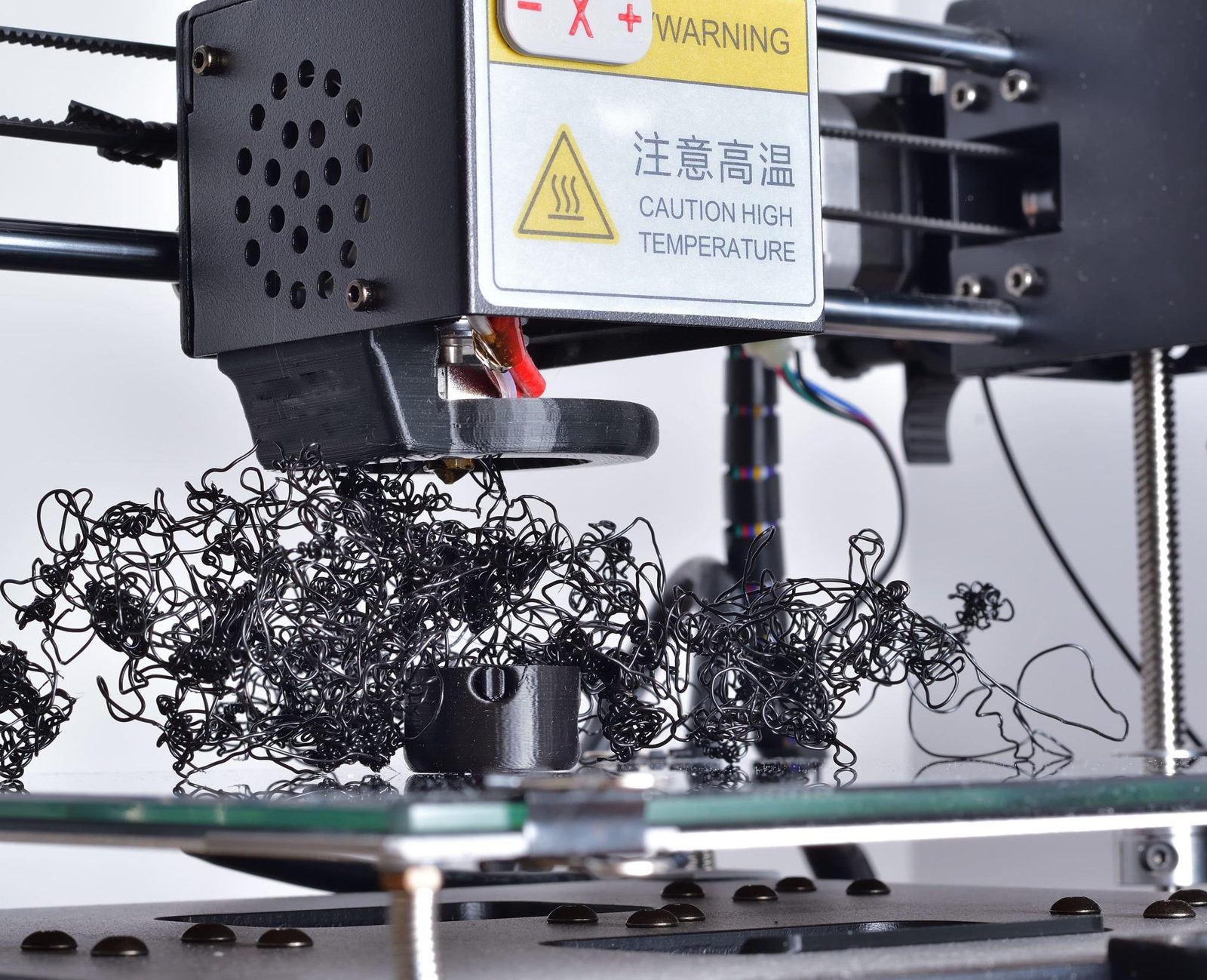
Each process has its advantages, its limits and its failures: you choose according to the need.
Fused filament (FDM)
The most widespread technology, and the one used by most MakerSpace printers
The principle
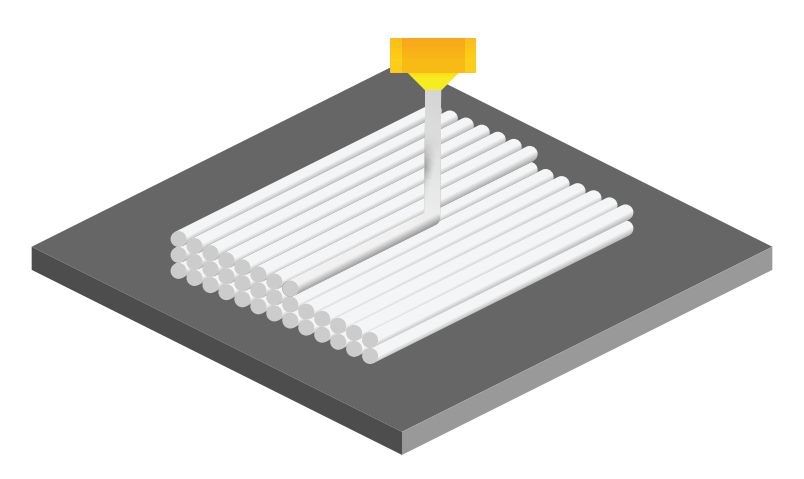
- 1.75 mm filament melted in a nozzle
- Laid down in beads, layer by layer
- Layers of 0.05 to 0.3 mm
- Safer than resin
Four machine architectures
| Architecture | Strength | Limit | At the MakerSpace |
|---|---|---|---|
| Bed slinger | Simple, inexpensive | Inertia of the bed | Artillery |
| Cantilever | Compact, light | Arm flexing | Bambu Lab A1 Mini |
| CoreXY | Fast, precise | Belts to adjust | Bambu Lab P1P, X1C |
| Delta | Fast, tall build | Tricky calibration |
The following slides show each architecture in motion.
Machine architectures Bambu Lab P1P Bambu Lab A1 Mini
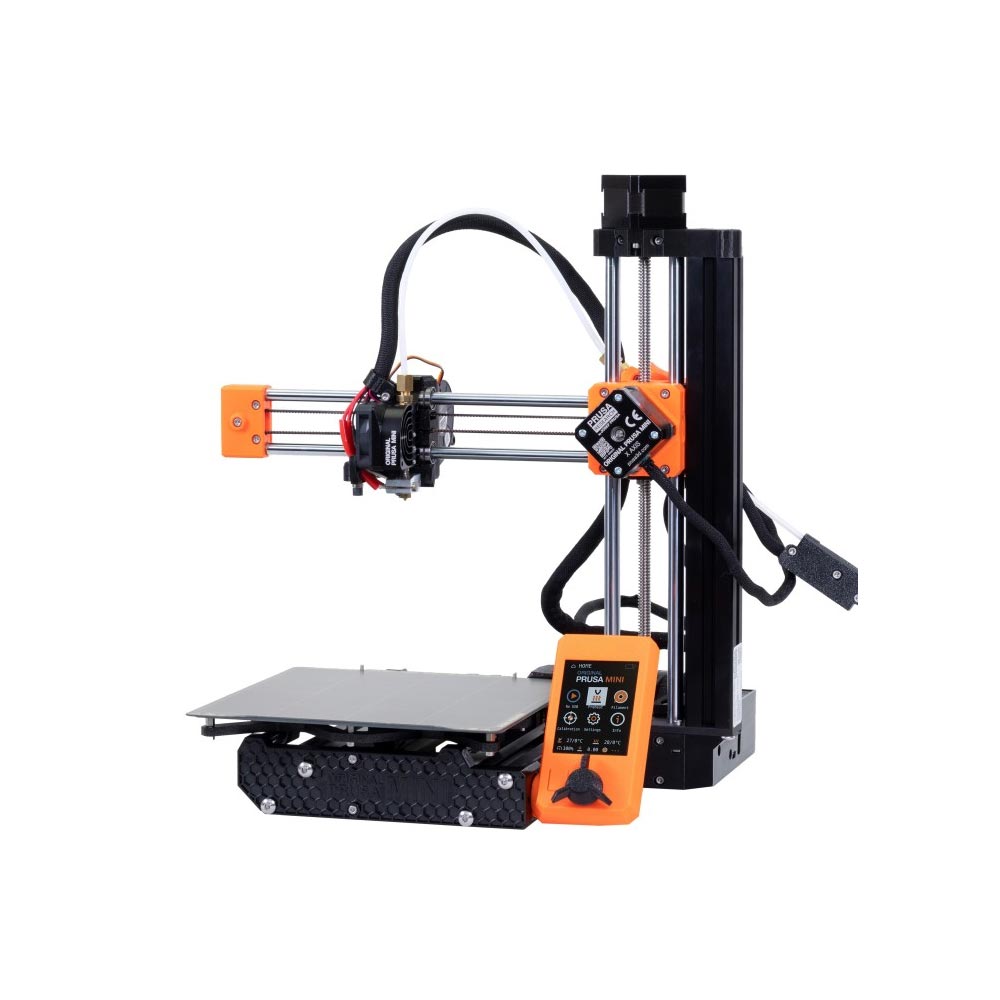
Bed slinger: the bed moves
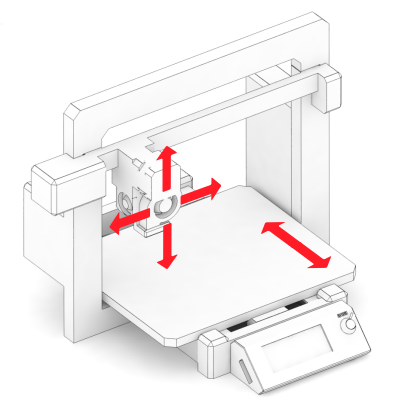
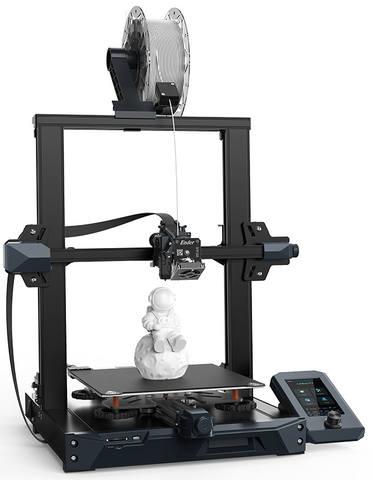
Three orthogonal axes X, Y, Z; the bed moves along Y. Simple, but its mass limits the speed.
Cantilever: the head on a single arm
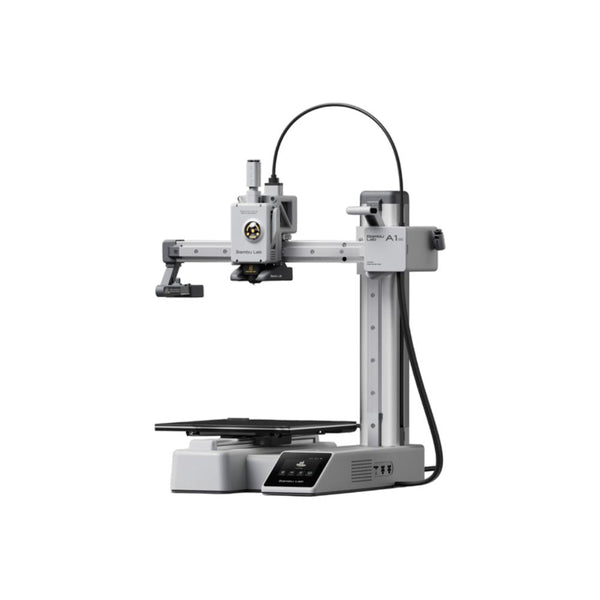
A minimalist, light and cheap structure; the arm can flex or vibrate on large formats.
CoreXY: two motors for X and Y
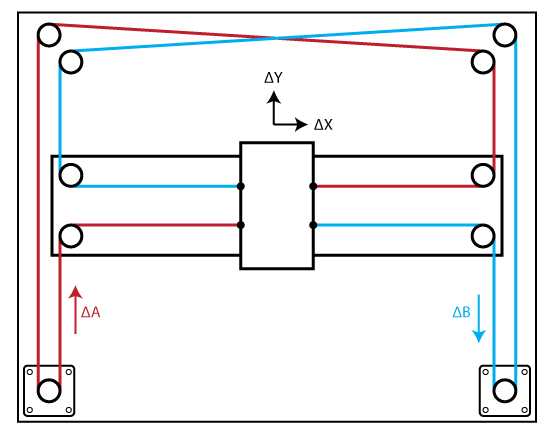
Two crossed belts
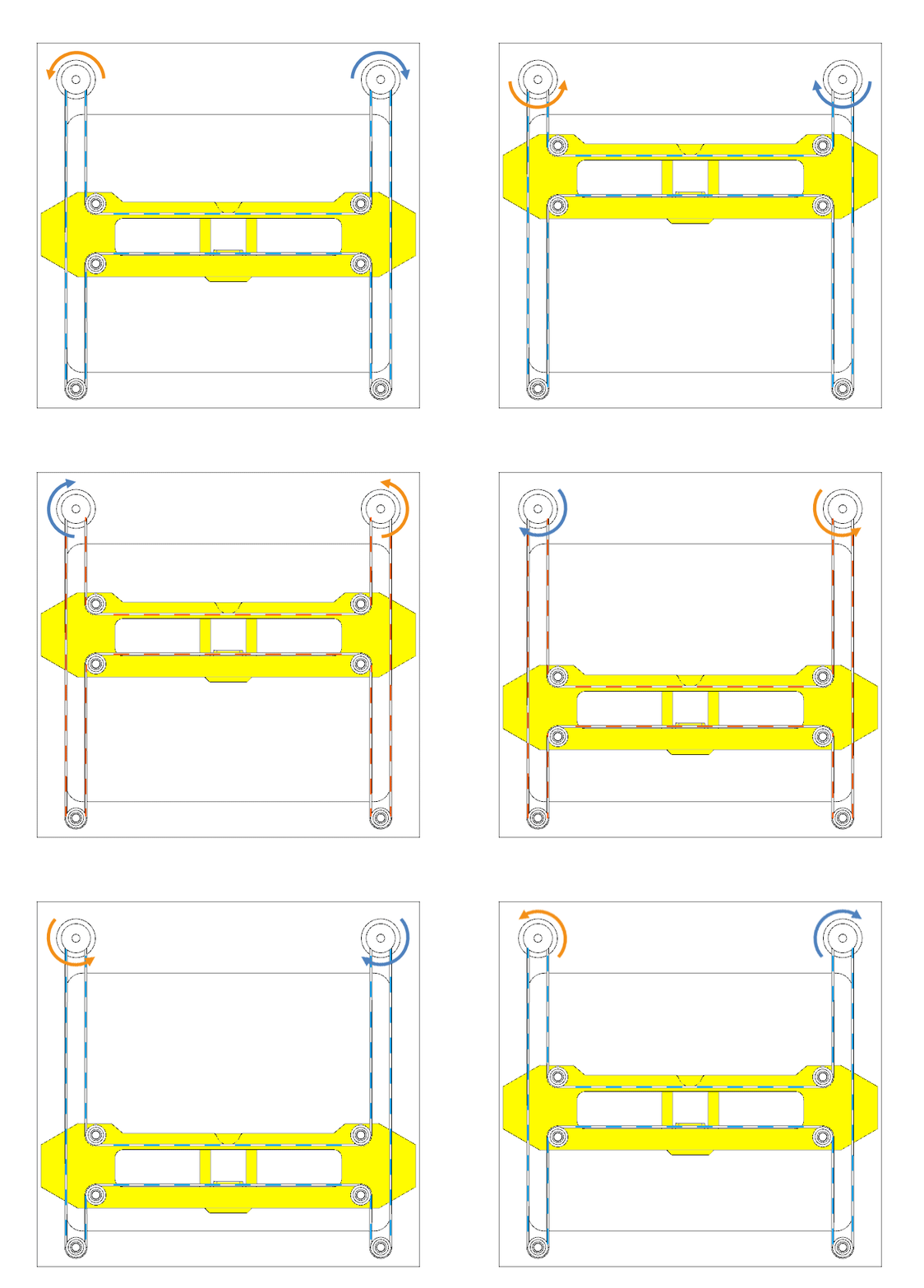
Same direction: X
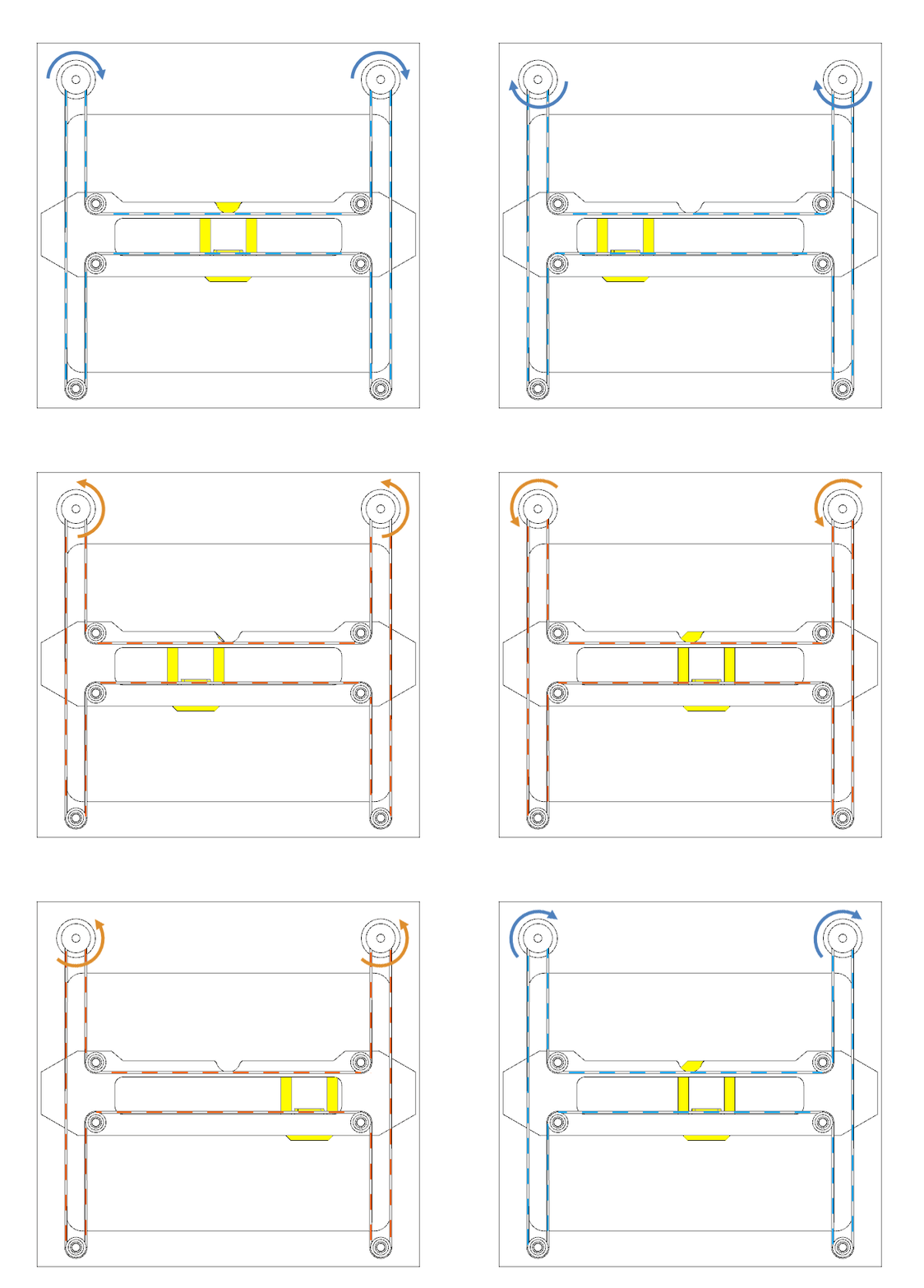
Opposite directions: Y
Only the light head moves in X and Y; the bed only moves down in Z.
CoreXY: examples
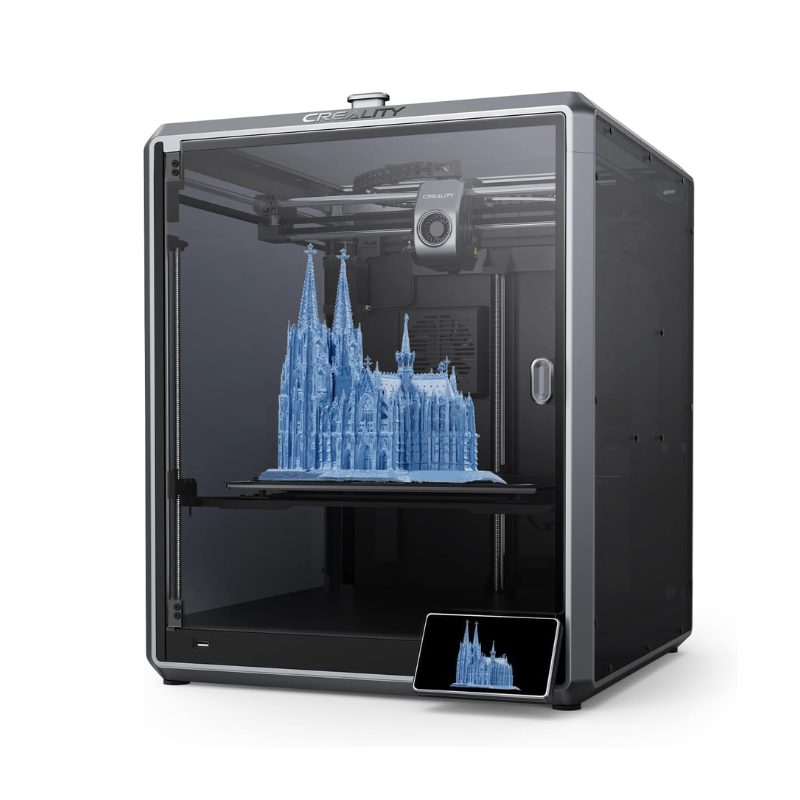
Enclosed CoreXY machine
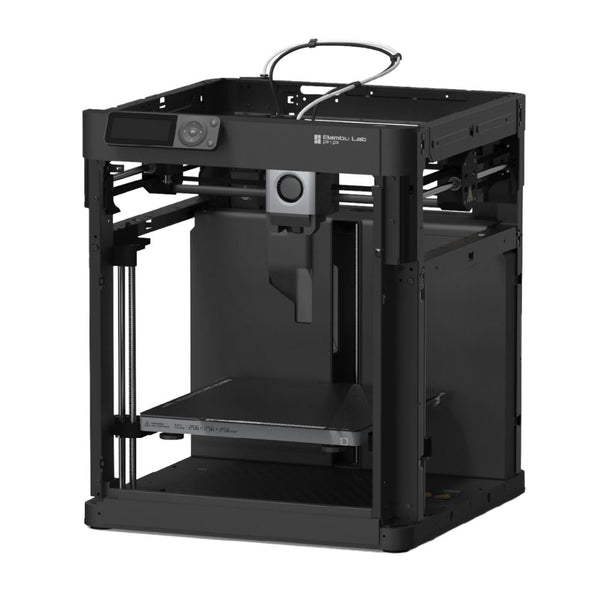
Bambu Lab P1P, at the MakerSpace
Faster and more precise, but more expensive and sensitive to belt adjustment.
Delta: three arms
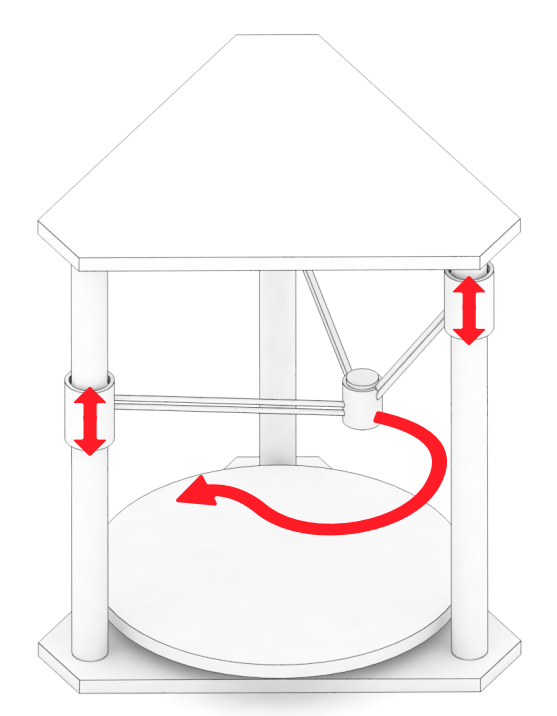
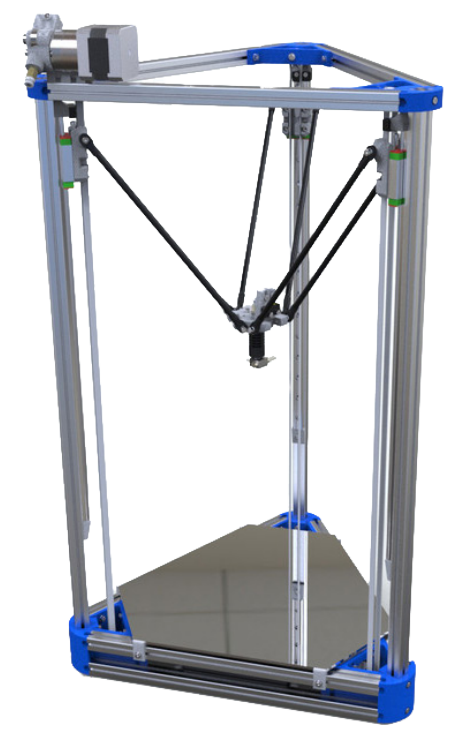
Three arms on three columns move the head together: fast and tall, but a round bed and tricky calibration.
Extrusion: direct drive or Bowden
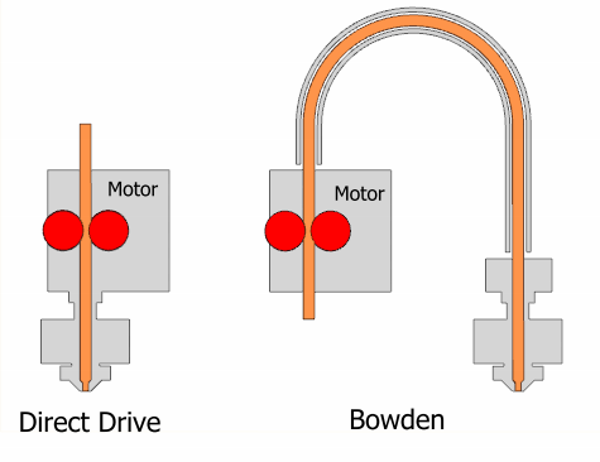
Direct drive: the motor sits on the head. Better control, ideal for flexible filaments (TPU), but a heavier head.
Bowden: the motor is remote and pushes the filament through a tube. A light, fast head, but poorly suited to flexible filaments.
The extruder
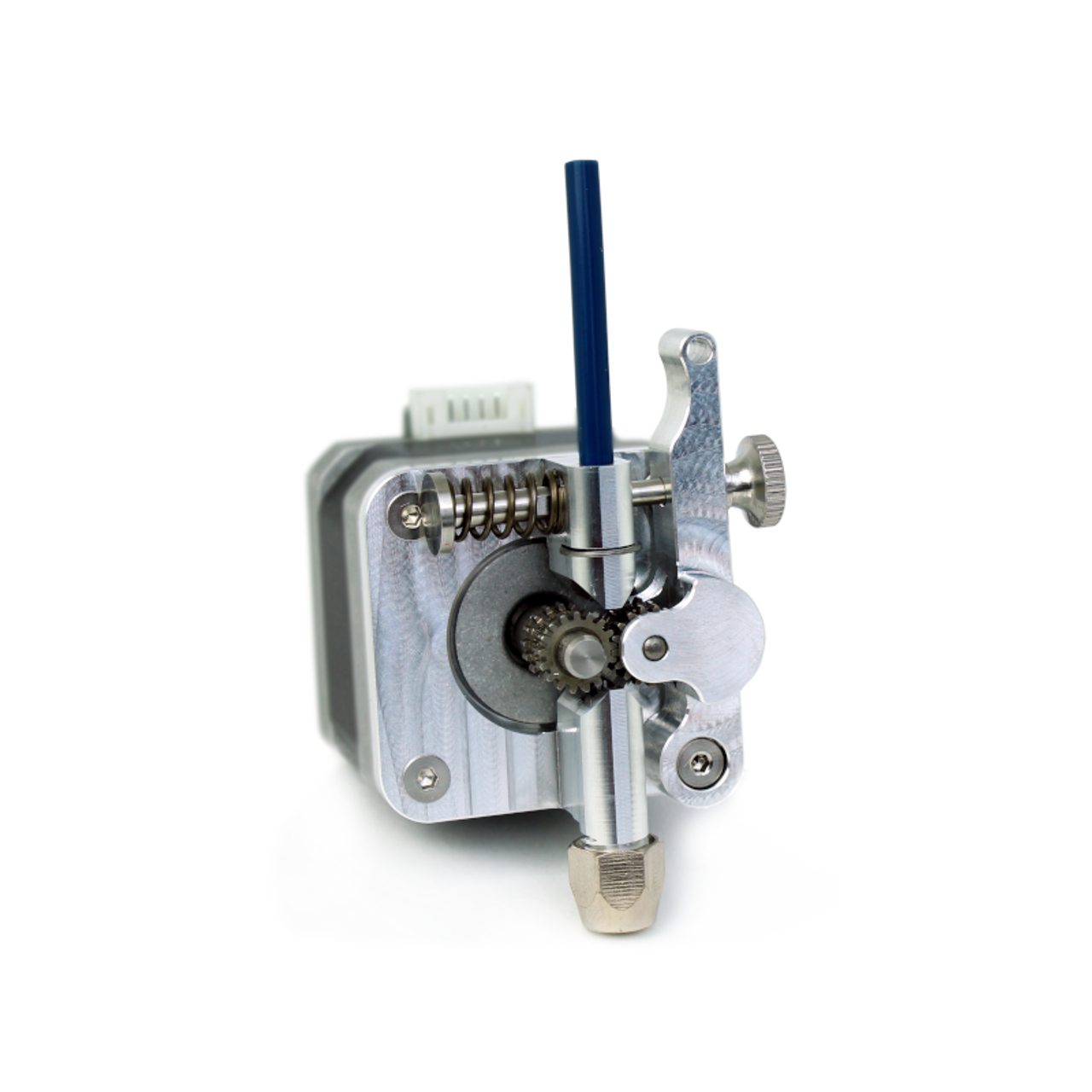
Motor and extruder
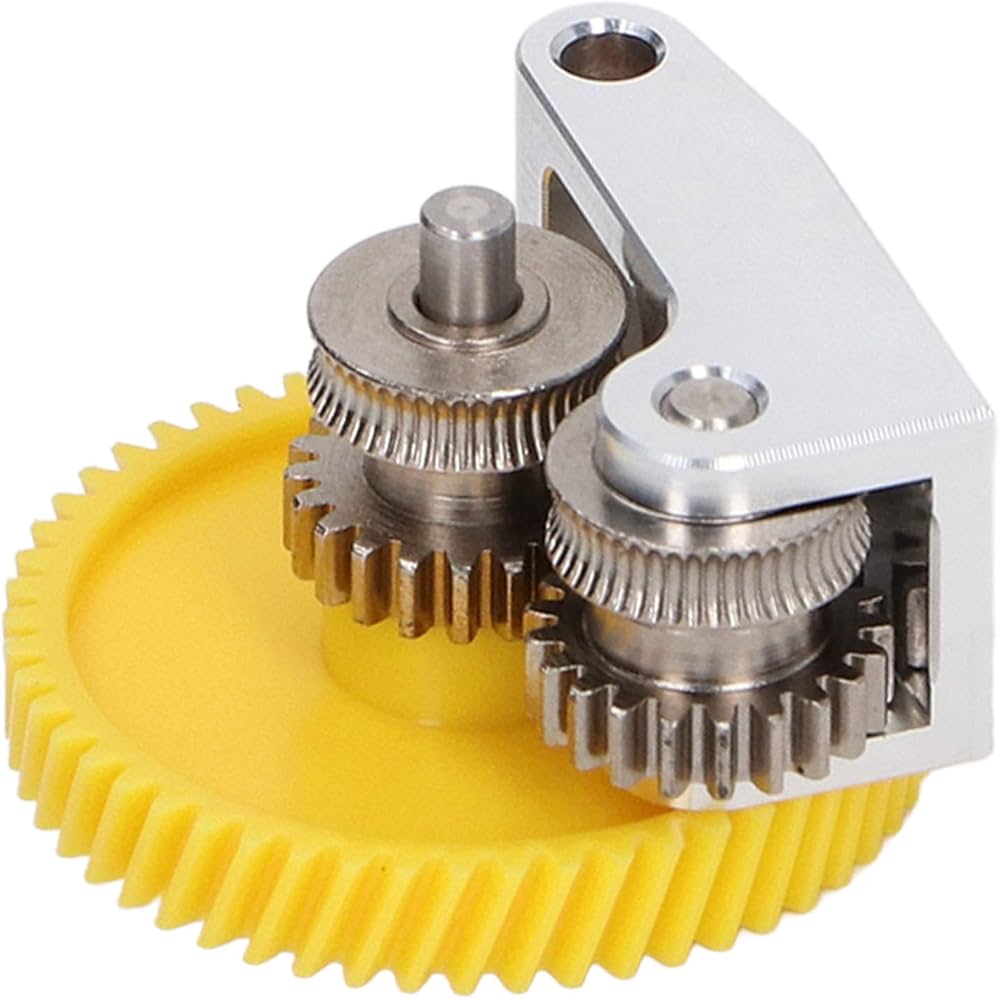
Dual drive
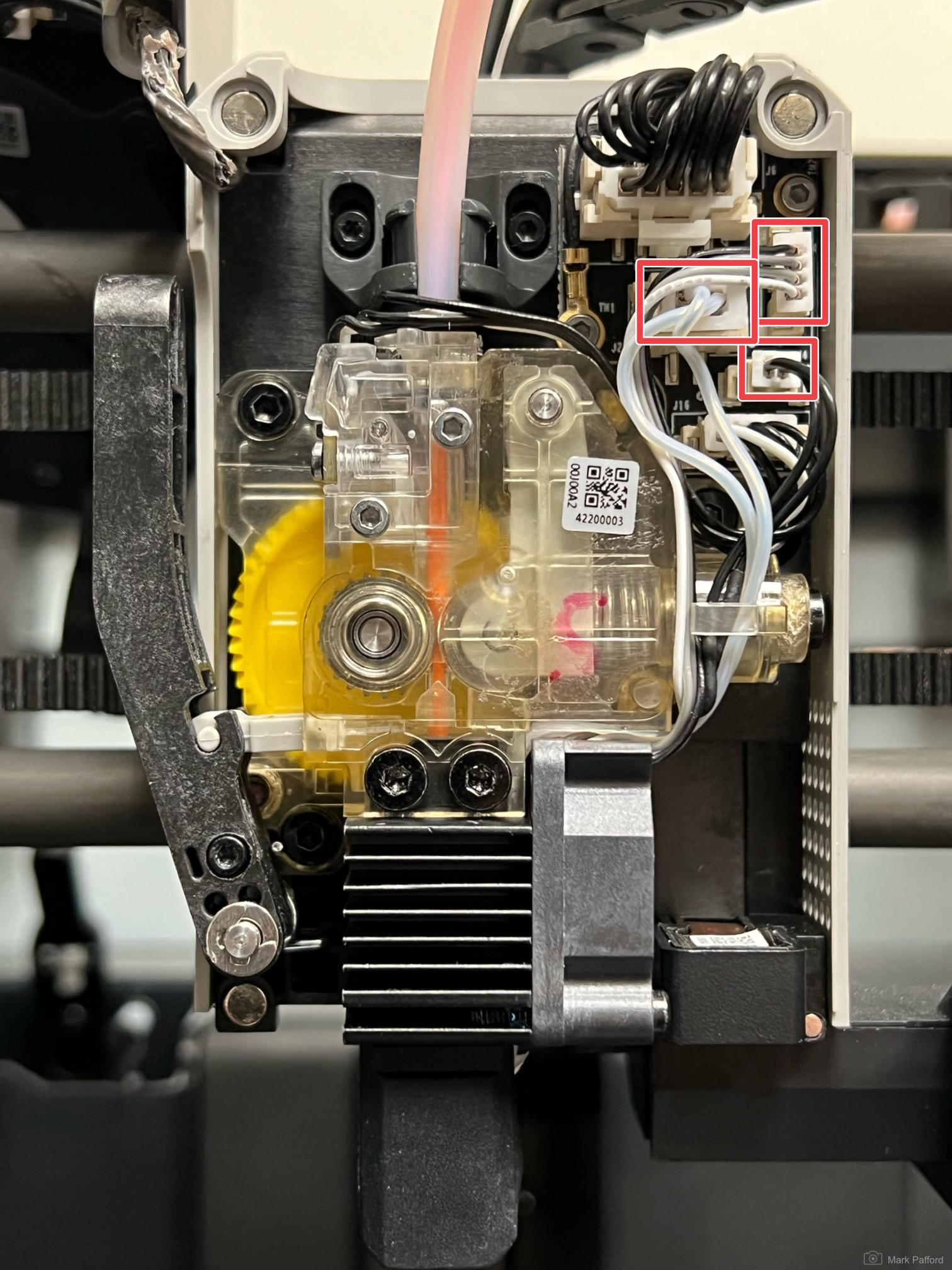
Built into the head
It pushes the filament and sets the flow, without jamming, even with TPU.
The hotend
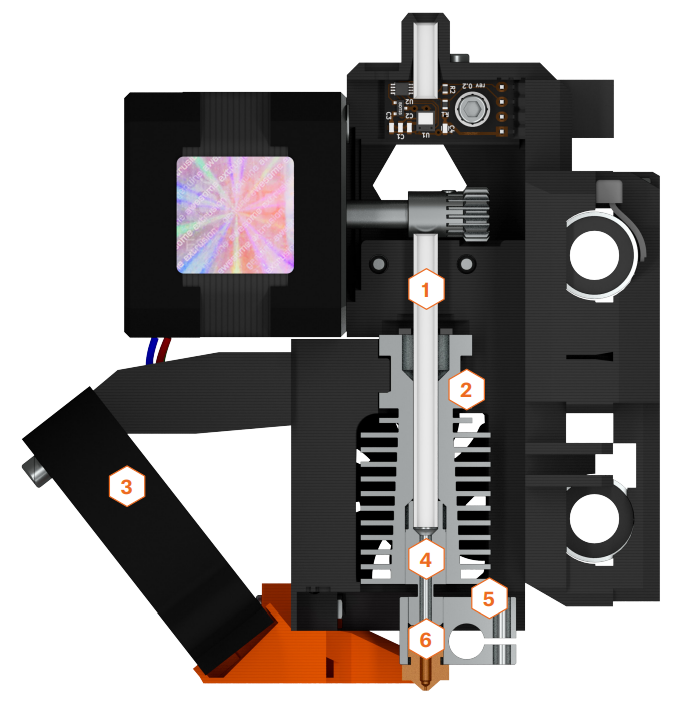
- PTFE tube
- Heatsink
- Fan
- Heat break
- Heater block
- Nozzle
The block heats to 180-260 °C; above the heat break, the filament stays cold.
The nozzle
| Diameter | Advantage | Limit |
|---|---|---|
| 0.2 mm | Fine details | Slow printing |
| 0.4 mm | The standard: a good compromise | |
| 0.6 to 1 mm | Large parts, fast | Less fine detail |
- Brass: the standard (PLA, PETG, ABS), but wears quickly with filled filaments
- Hardened steel: for abrasive filaments (carbon, metal)
Nozzles
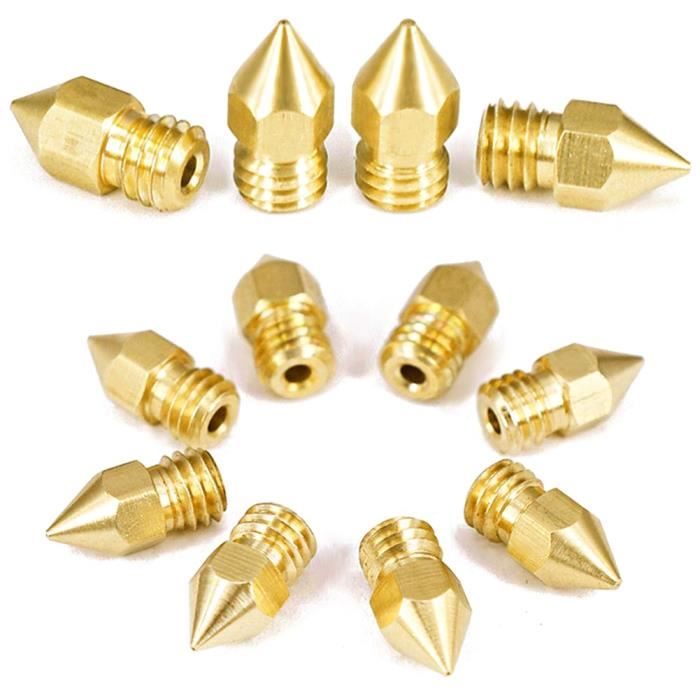
Brass nozzles: the standard
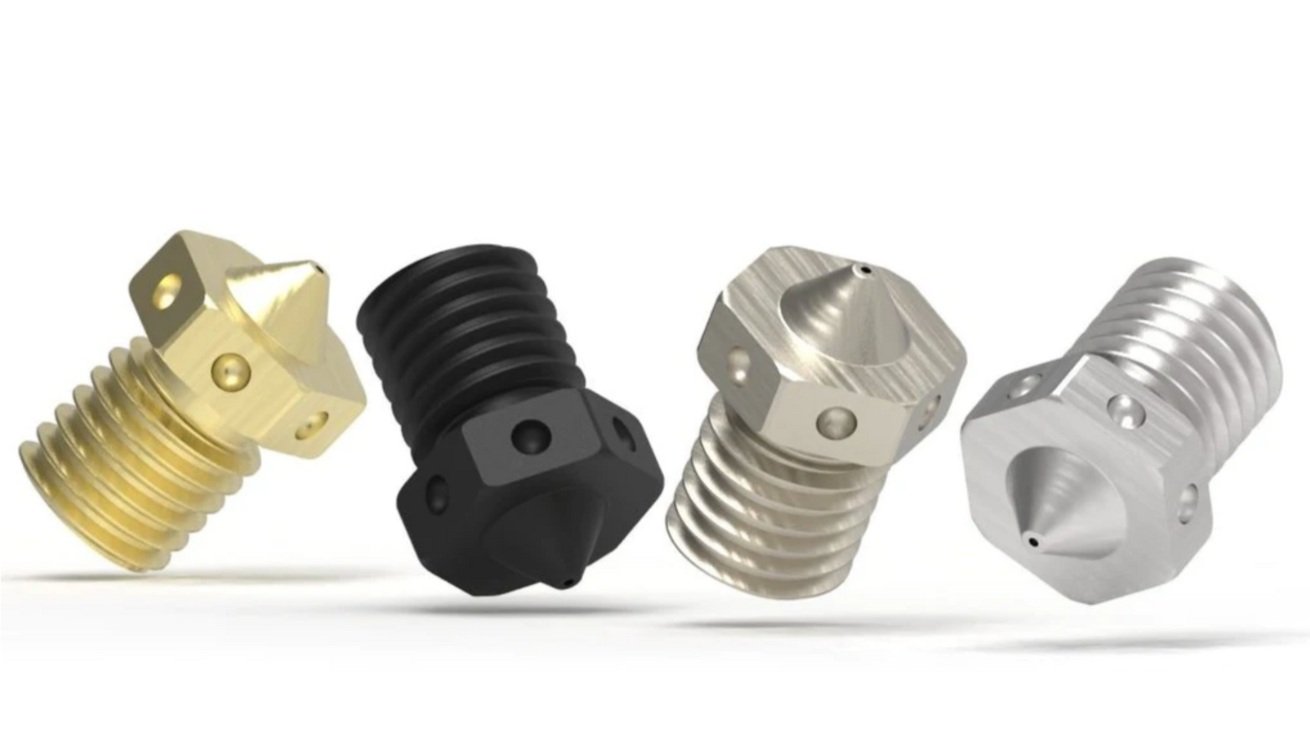
Brass, hardened steel, coatings
Resin (SLA)
Solidifying a liquid with light
The principle
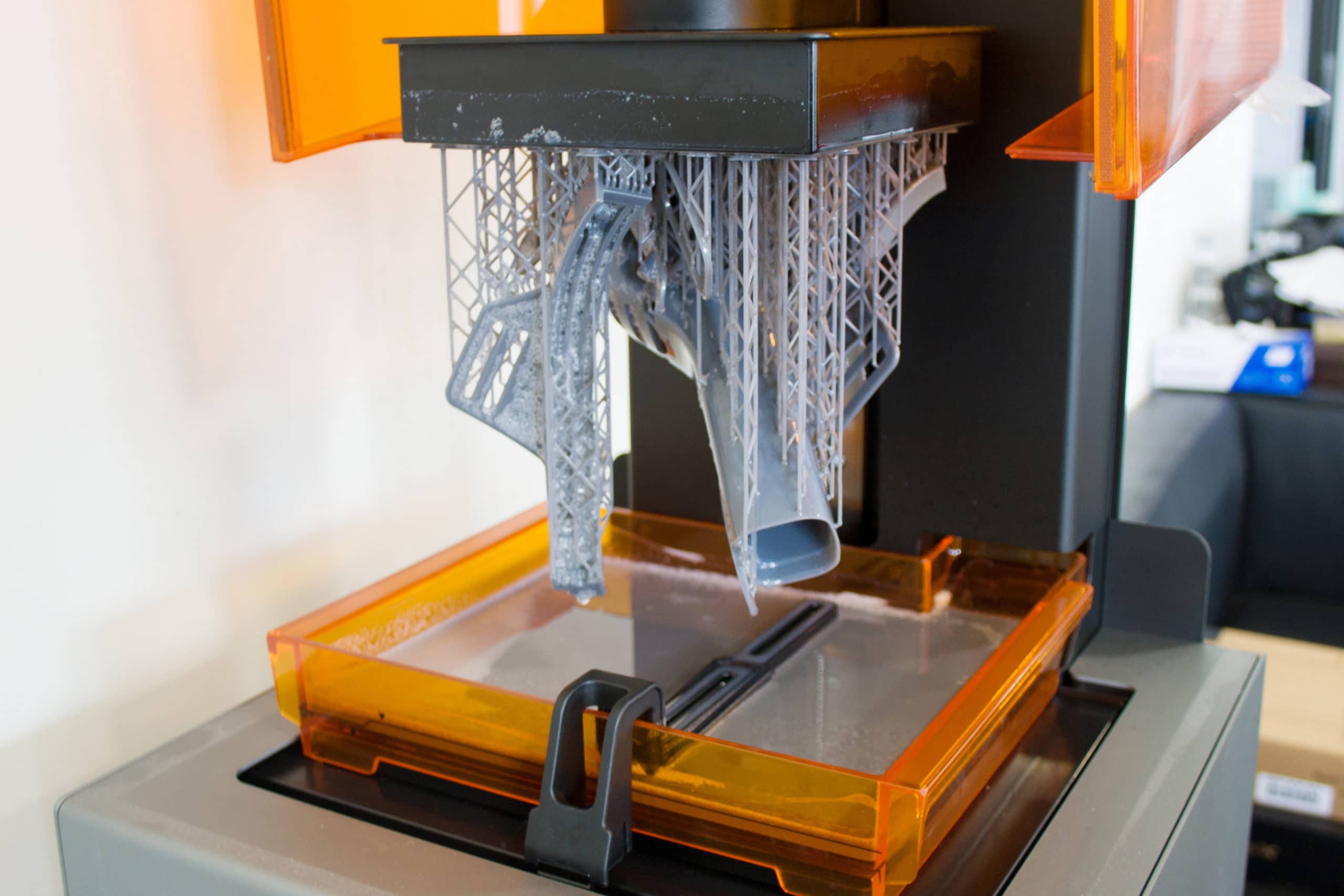
- A photosensitive resin hardens under UV light
- The platform rises by one layer at each pass
- Almost invisible layers, smooth surface
- Small volume, slower printing
Inside a resin printer
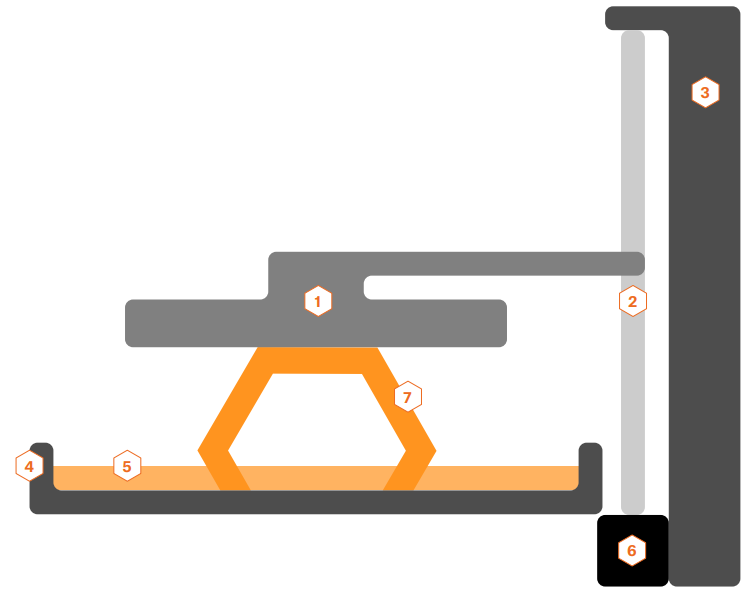
- Build platform
- Lead screw
- Z axis
- Resin tank
- Liquid resin
- Stepper motor
- Printed object
Three ways of lighting the resin
| Process | Light source | Time per layer | Resolution |
|---|---|---|---|
| Laser SLA | Laser steered by two mirrors | Depends on the area | Fineness of the laser |
| DLP | Digital projector | Constant | That of the projector |
| MSLA | UV LED and masking LCD screen | Constant | That of the screen |
At the MakerSpace: the Phrozen Sonic Mighty 4K, an MSLA printer. DLP and MSLA expose the whole layer at once.
Laser SLA
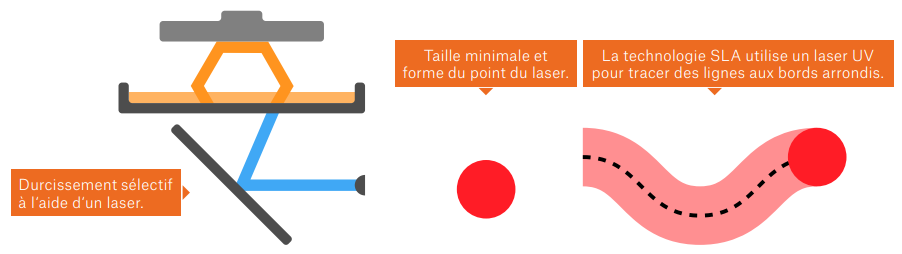
The laser “draws” each layer: very precise, but the more parts there are, the longer it takes.
DLP
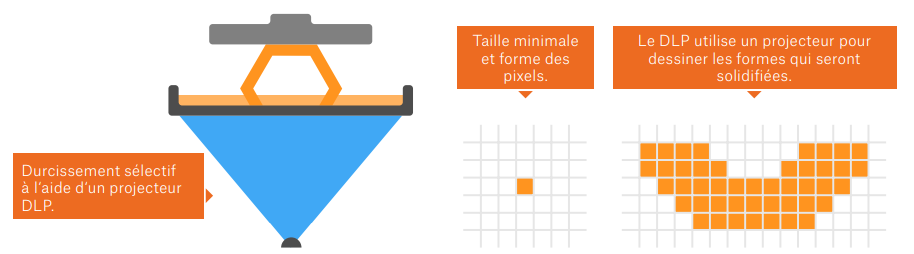
A projector exposes the whole layer at once: constant time, resolution limited by the projector.
MSLA
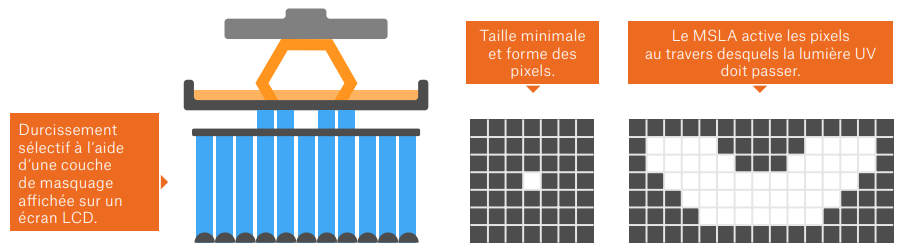
An LCD screen masks the light from a UV LED: fast and affordable, but the screen wears out over time.
After printing: wash, cure, protect yourself
- Wash the part in isopropyl alcohol (IPA) to remove the liquid resin
- Cure the part under UV to finish the polymerisation
- Nitrile gloves mandatory: liquid resin irritates and sensitises the skin
- Ventilation: IPA is flammable, and its vapours, like those of resin, are irritating
At the MakerSpace, resin is a level 2 safety module: supervised sessions.
Resin safety module UV wash and cure station
Wash, then cure
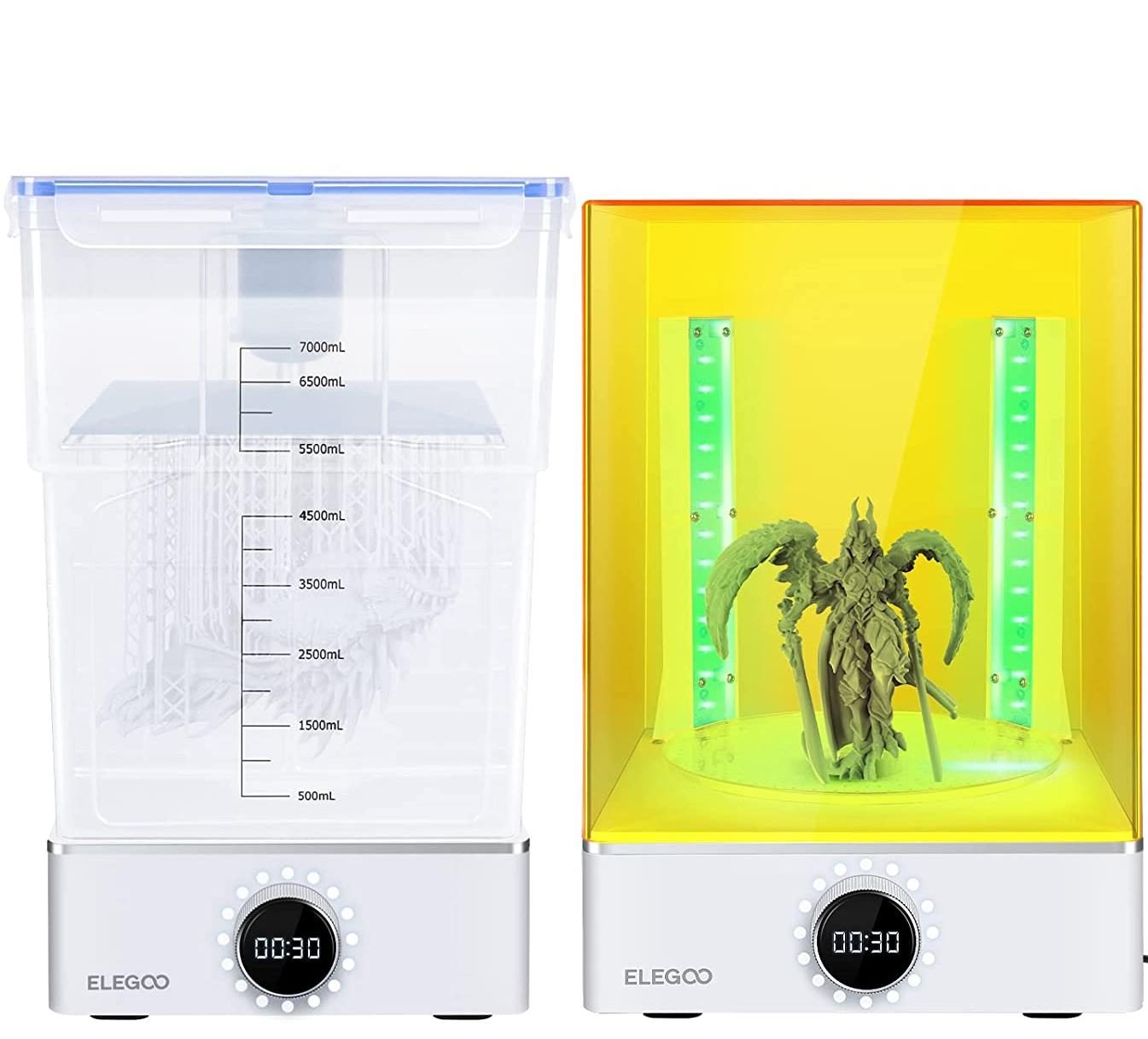
A wash station in IPA, then a UV curing station: consistent results.
Powder and the other processes
Sintering, binder, material jetting
Laser sintering (SLS)
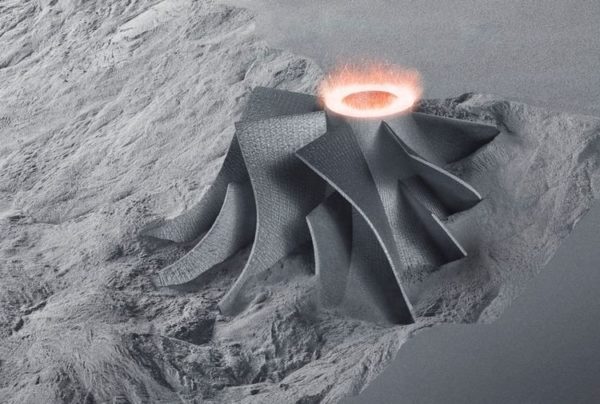
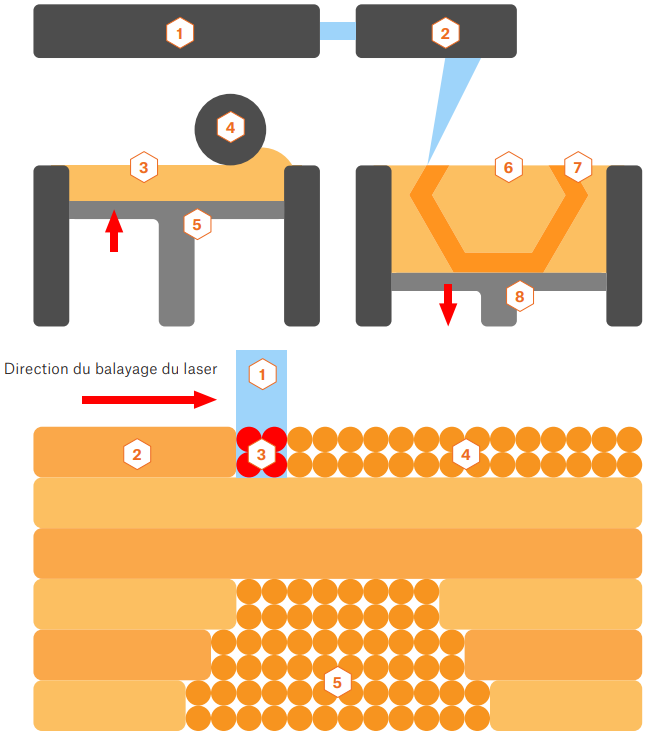
- A roller spreads a thin layer of powder
- The laser sinters the shape of the layer
- The bed moves down, and it starts again
The surrounding powder supports the part: no supports, and the unsintered powder is reused. DMLS applies the same principle to metals.
Inside an SLS machine
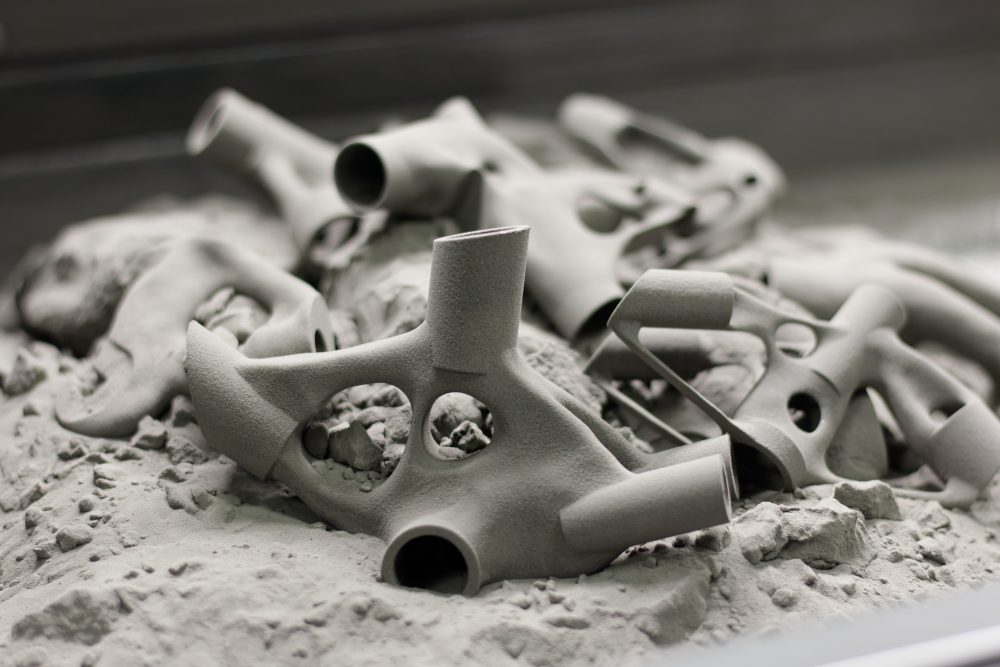
The machines cost at least €5,500: a mostly industrial process (automotive, aerospace, medical).
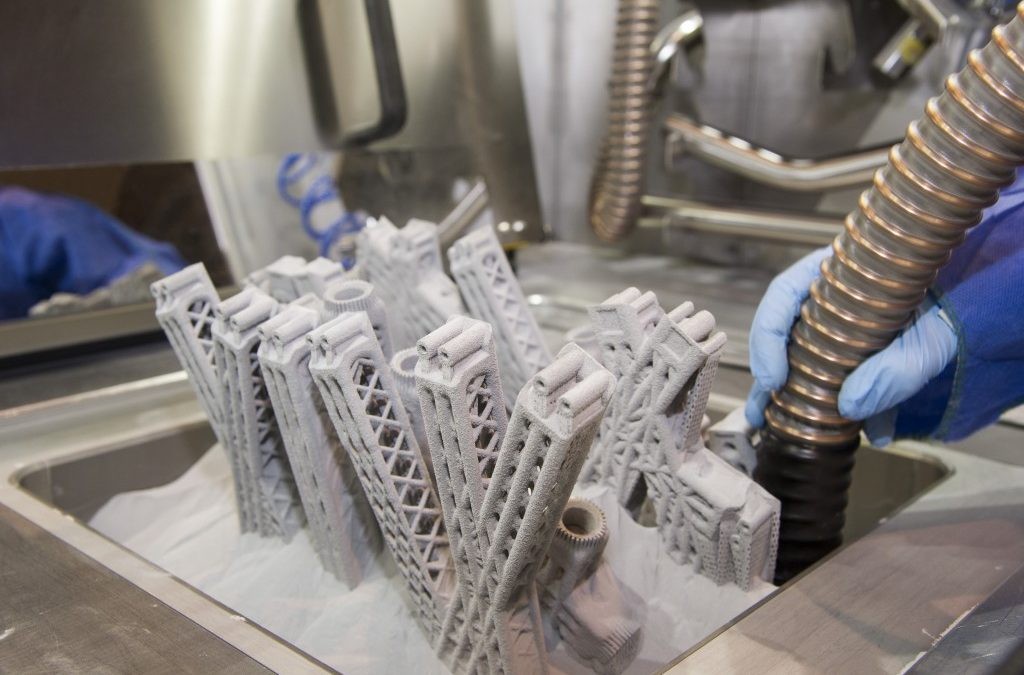
Depowdering the parts
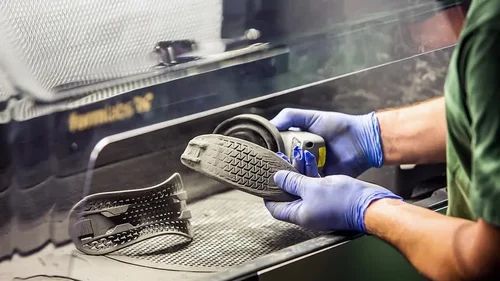
Each part is taken out of the bin, then cleared of the unsintered powder, which will be reused.
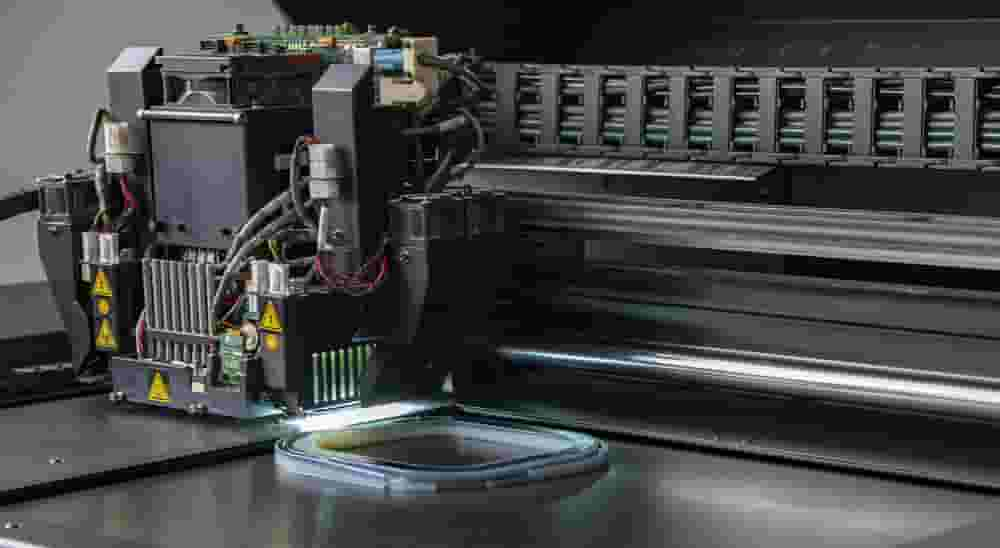
Binder Jetting and PolyJet
Binder Jetting: powder and binder
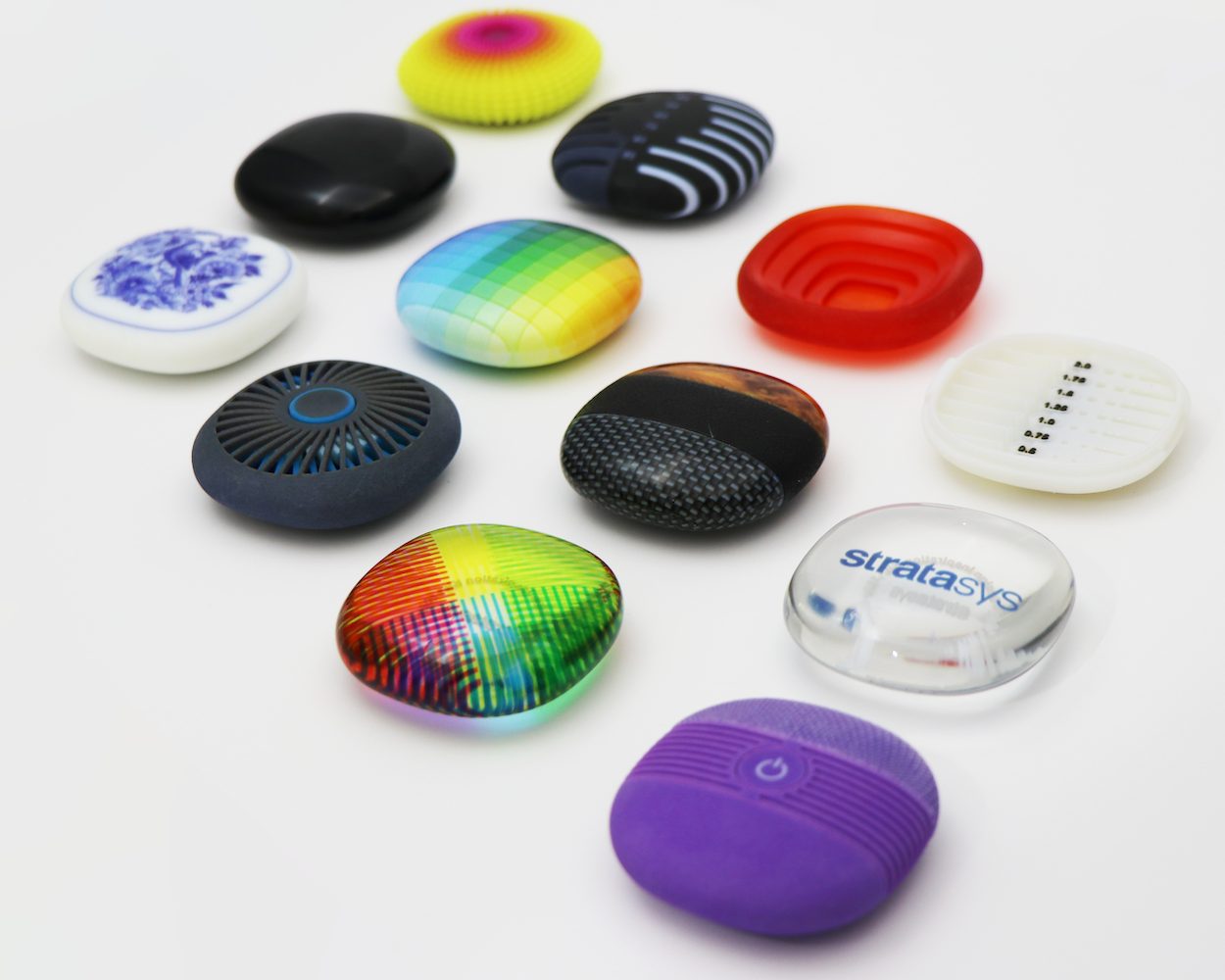
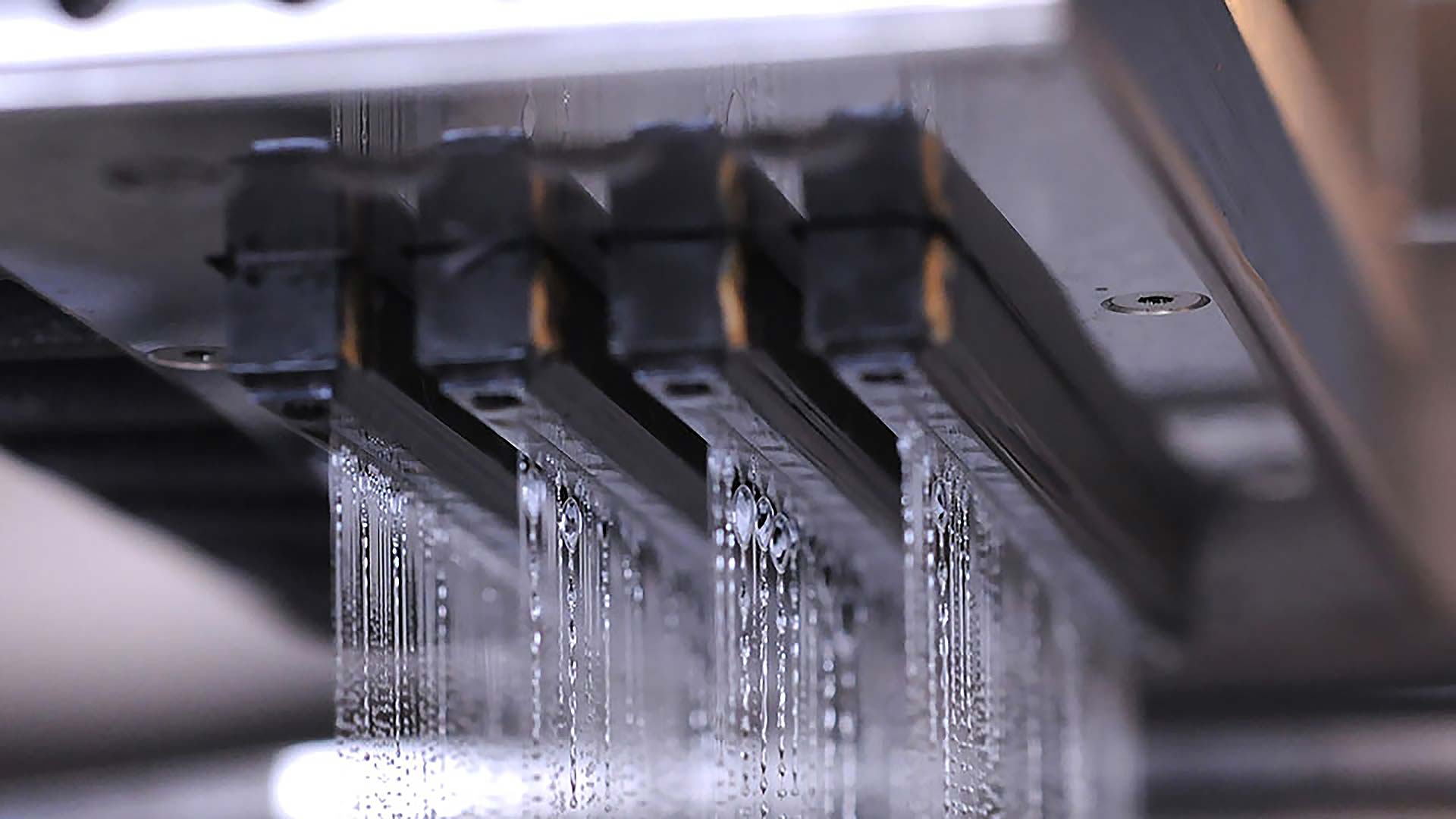
PolyJet: multicolour resin
Binder Jetting
- A layer of powder: metal, sand, ceramic
- A head deposits a binder where needed
- Fast: the whole layer at once
- The part is then sintered or infiltrated
PolyJet
- Droplets of resin are jetted
- Cured at once by UV
- 16 micron layers
- Mixed colours and materials
Activity: which technology to choose?
- A highly detailed 3 cm figurine: resin (MSLA)
- A sensor mount to fix onto a chassis: fused filament (PETG)
- 50 nylon gears for a small series: sintering (SLS)
- A realistic multicolour model for a trade show: PolyJet
For each case, one technology and one reason.
Materials
To each technology its material
Families of materials
| Technology | Material | Examples |
|---|---|---|
| FDM | Filaments | PLA, PETG, TPU, ABS |
| SLA, DLP, MSLA | Resins | Standard, flexible, high strength |
| SLS, Binder Jetting | Powders | Nylon, metals, ceramics |
| PolyJet | Photopolymers | Multi-material, colours |
From here on, we focus on filaments: those of FDM printers.
Filament, resin, powder
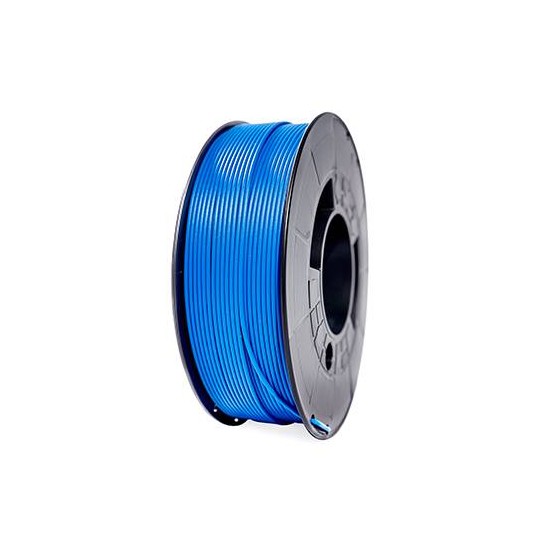
Filament (FDM)
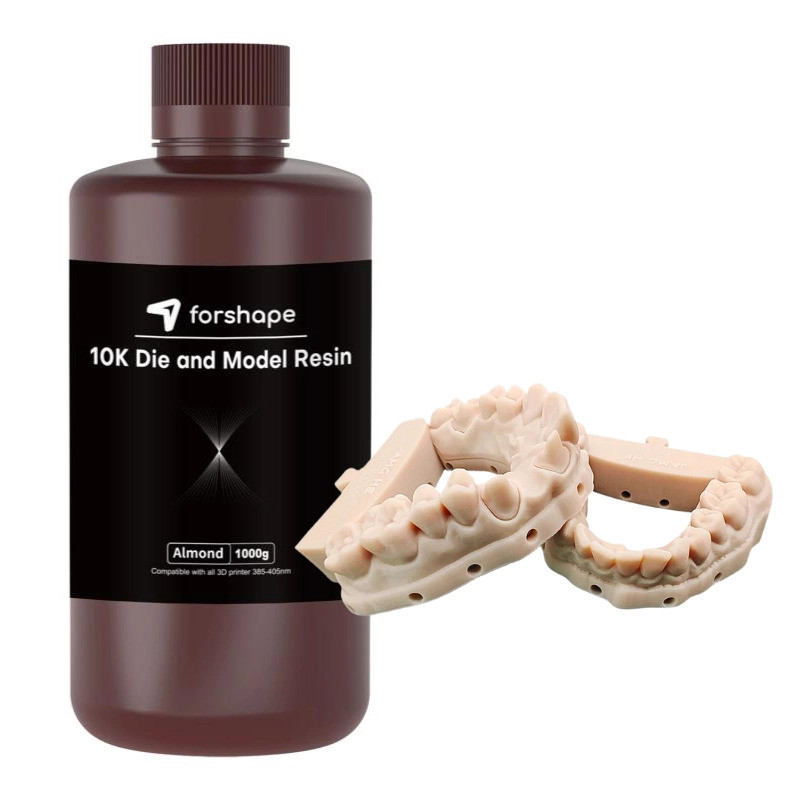
Resin (SLA, MSLA)
Powder (SLS)
Common filaments
| Filament | Nozzle | Strength | Limit |
|---|---|---|---|
| PLA | 190-220 °C | Easy, little warping | Brittle, dislikes heat |
| PETG | 220-250 °C | Strong, withstands moisture | Stringing |
| TPU | 200-250 °C | Flexible and elastic | Direct drive extruder |
| ABS | 220-250 °C | Impact and heat | Warping, fumes |
| PVA | 180-210 °C | Water-soluble support | Dislikes moisture |
PLA to get started and for prototypes, PETG as soon as the part has to do real work.
PLA: polylactic acid
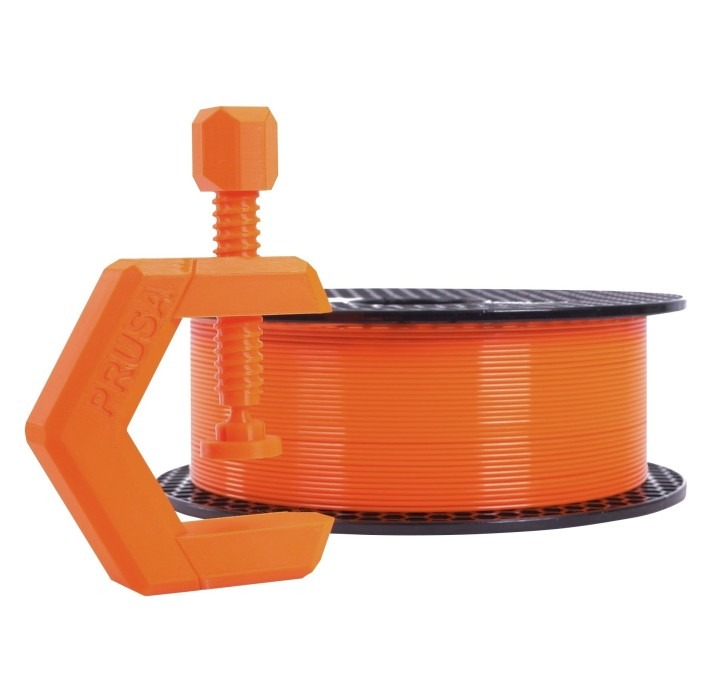
- 190-220 °C
- Bio-based, easy to print
- Decorative objects, prototypes
- Brittle, dislikes heat
PETG
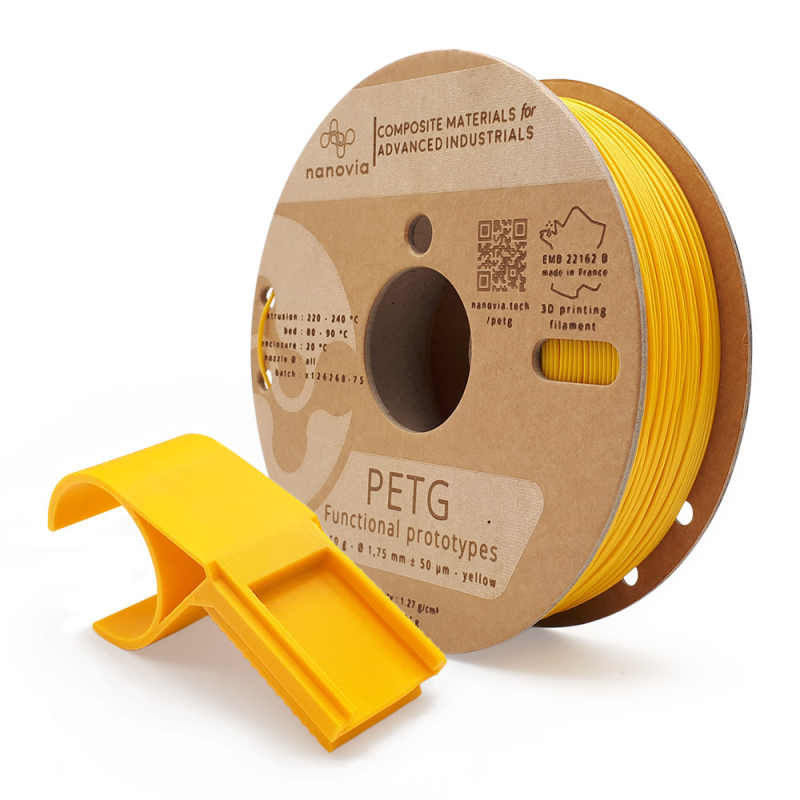
- 220-250 °C
- Strong, good layer adhesion
- Functional parts
- Dislikes moisture, strings
TPU: the flexible filament
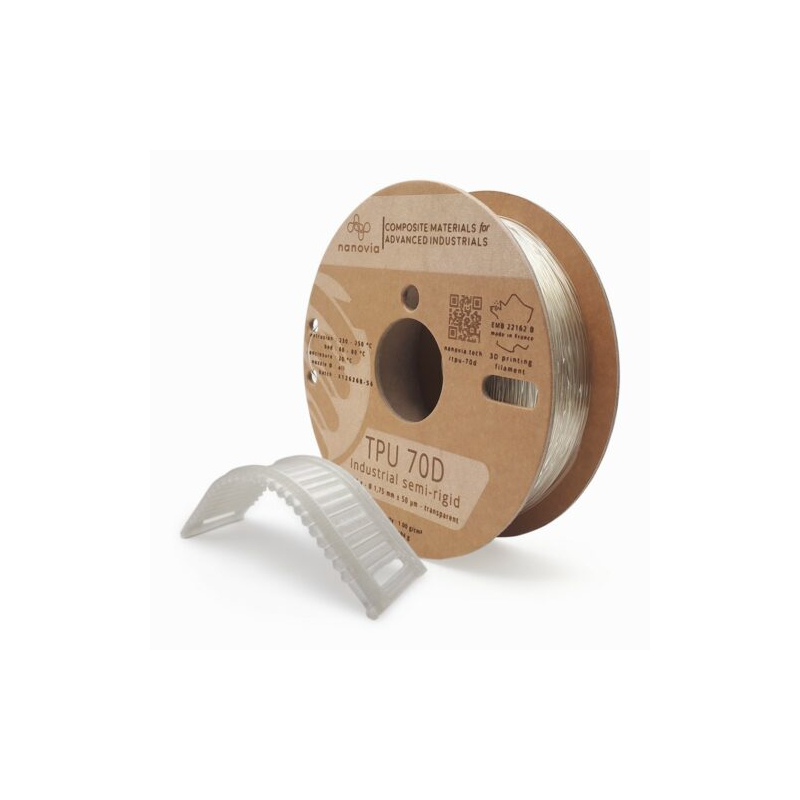
- 200-250 °C
- Flexible, elastic, very tough
- Seals, soles, dampers
- Needs a direct drive extruder
ABS
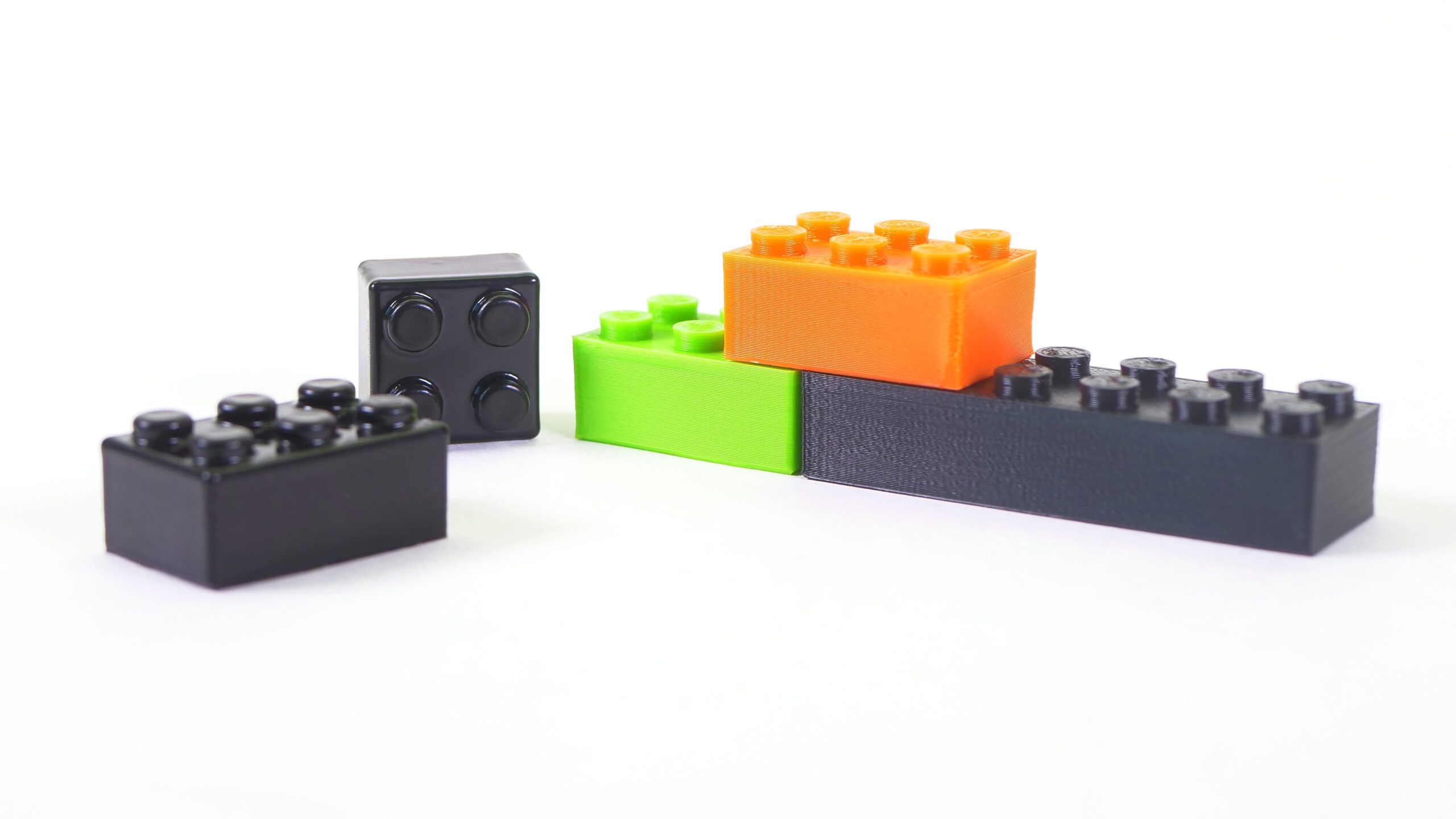
LEGO bricks are made of ABS
220-250 °C
Withstands impact and heat; an enclosure and ventilation are recommended.
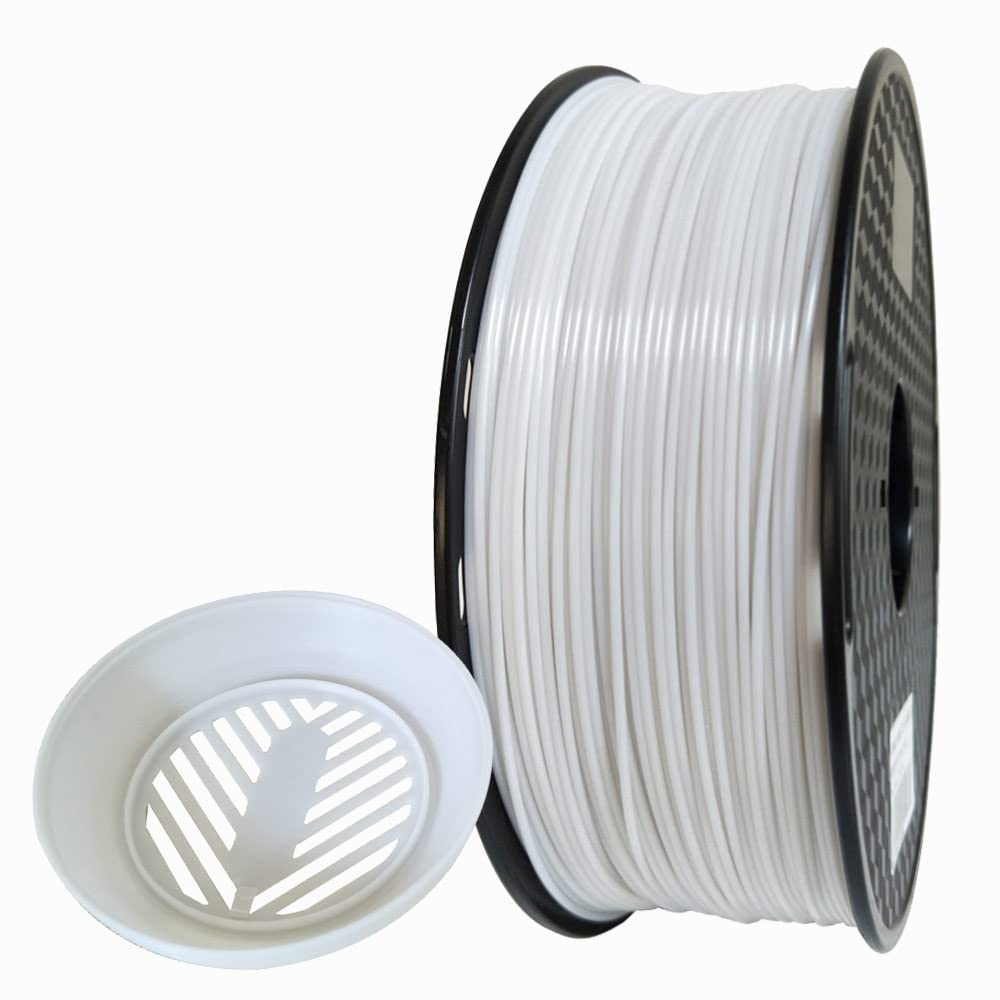
PVA: the soluble support
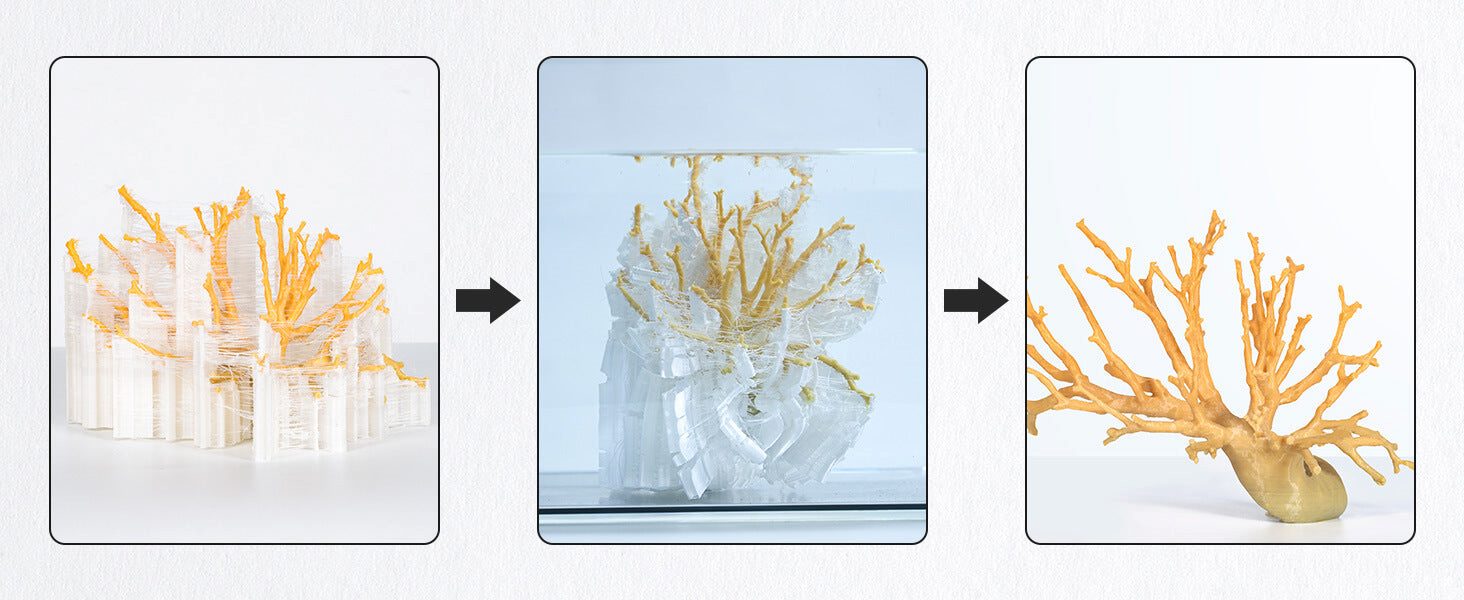
The support dissolves in water
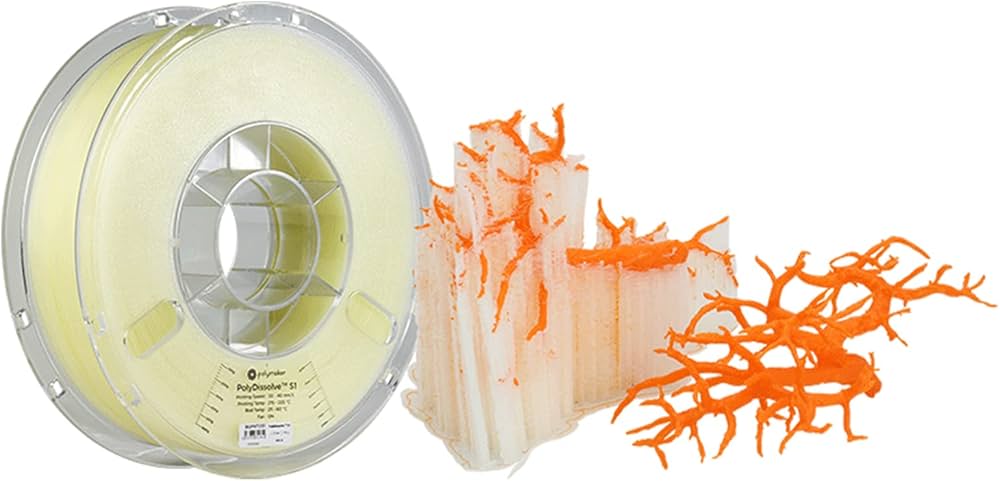
180-210 °C, with dual extrusion
Frees up geometries that could not be supported otherwise; store it dry.
Engineering filaments
| Filament | Use |
|---|---|
| HIPS | Soluble support (limonene) for ABS |
| Nylon | Gears, mechanical parts; dislikes moisture |
| PC | Very resistant to impact and heat |
| PP | Flexible, resists chemicals |
| ASA | A UV-resistant ABS: outdoor parts |
| Composites | PLA or ABS filled with wood, metal, carbon |
| PEEK, PEI | High performance, industrial printers |
Key takeaways
- No universal technology: fused filament, resin, powder
- In FDM, the architecture, the extrusion and the nozzle make the machine
- Resin gives fine details, at the cost of post-processing and precautions
- PLA to get started, PETG for a functional part, TPU for flexibility
Technology diagrams: “The basics of 3D printing”, Prusa Research.
Part 3: the workflow The basics of 3D printing (Prusa)