1. Overview
SolidWorks is a commercial software application for computer-aided design (CAD), computer-aided manufacturing (CAM) and computer-aided engineering (CAE), developed by Dassault Systèmes.
SolidWorks is widely used by companies of all sizes to help them innovate and grow their business. SolidWorks products are easy to learn and use, and work together to help you design products more efficiently, faster and more cost-effectively.
SolidWorks develops and sells 3D CAD design software, analysis software and product data management software. It is part of the 3DEXPERIENCE Works portfolio, which connects your whole ecosystem, linking people, applications and data in real time across every aspect of your business.
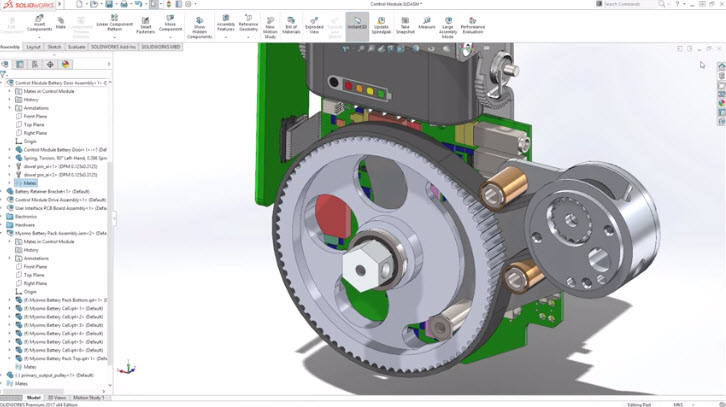
Besides 3D design, SolidWorks also offers simulation, product data management (PDM) and free CAD tools (eDrawings, Composer Player, SolidWorks Explorer). These additional tools are available for download and can be added to SolidWorks to extend its capabilities.
SolidWorks is available for Windows and is licensed as a paid subscription. There is also an education version of SolidWorks, intended for students and teachers in an academic setting.
SolidWorks was introduced by Dassault Systèmes in 1995. Since then, it has been constantly improved and updated to meet the changing needs of the design and manufacturing industry.
2. Installation
Thanks to Pierre-Alex BIANCHI for the tutorial.
The steps below are for installing a standard student version of Solidworks. The information dates from 2022 and may not be up to date, depending on how the platform has changed. If so, please tell the person in charge of the site so that it can be corrected.
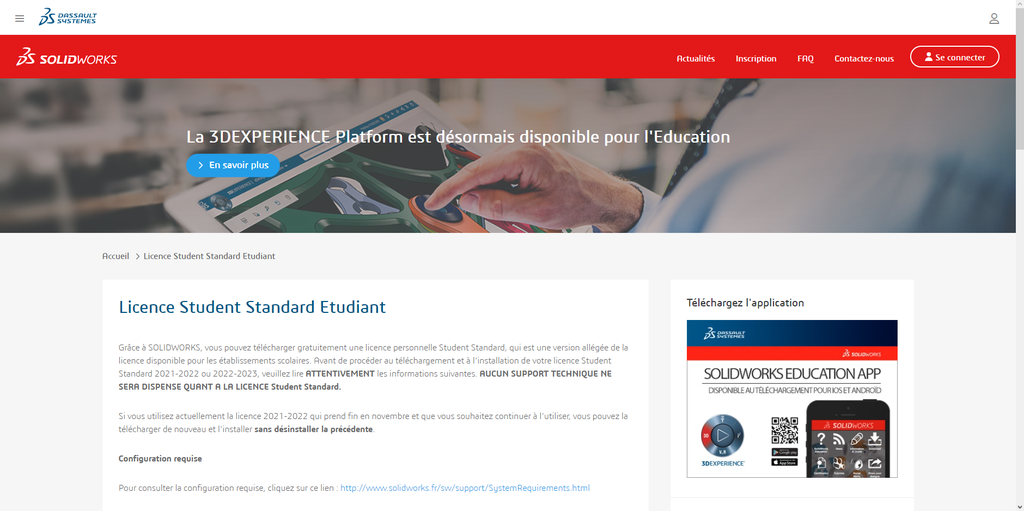
Go to the student licence page
Start by going to the page dedicated to the Student Standard licence by following this link.
Then, at the very bottom of the page, click the Accédez à votre licence Student Standard button.

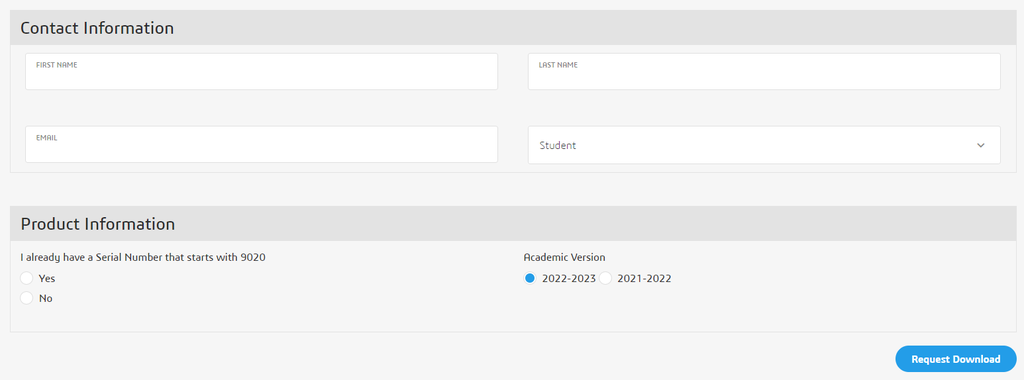
On the page that opens, fill in the information requested.
Careful:
- Use your student email address
- Select Student in the drop-down menu
- Click Yes to the question I Already have a Serial Number that starts with 9020
- Select version 2022-2023
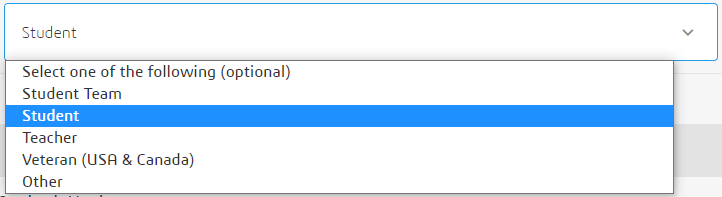
Then click Request Download at the bottom right.

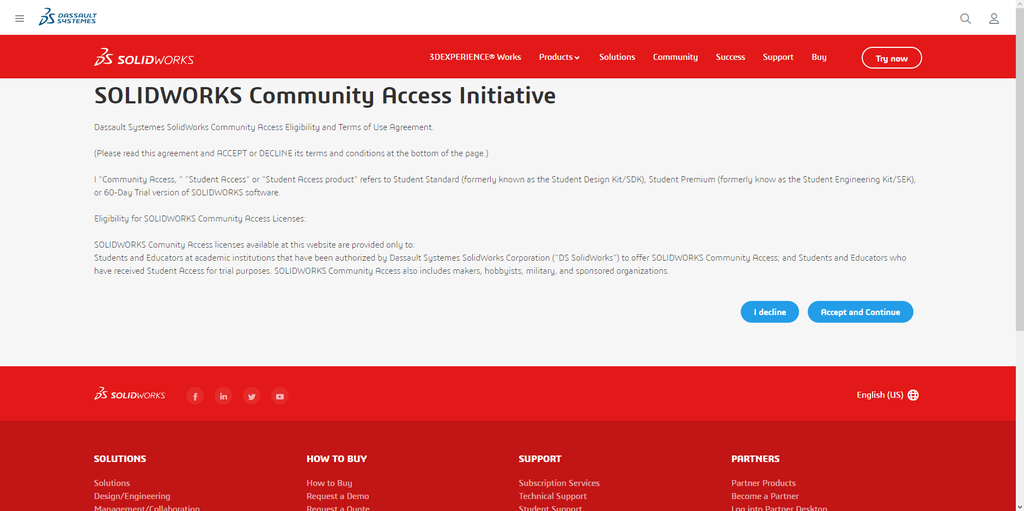
Accept the terms
On the page that opens, accept the terms of use by clicking Accept and continue.
Then, on the next page, click Download to download the software.

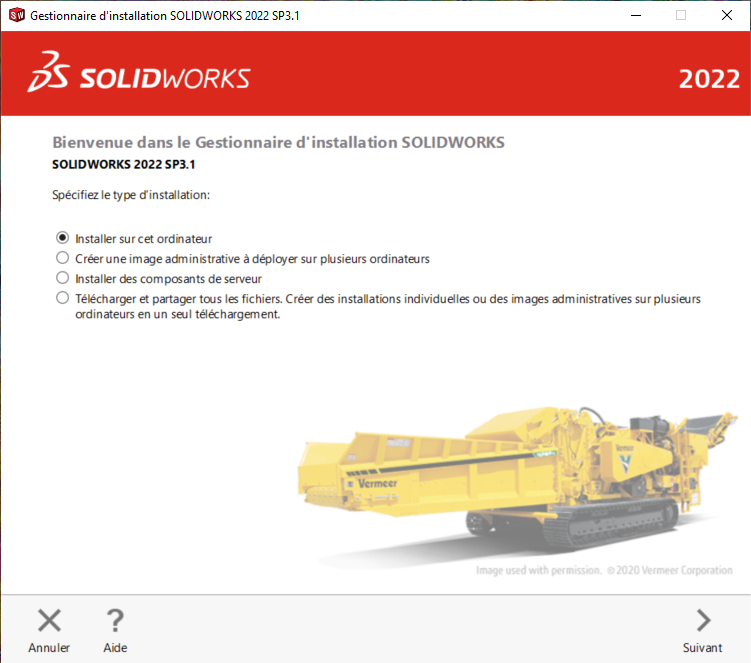
Installation
Double-click the installation file you have just downloaded  . Click Unzip. Once finished, the installer should start. Follow the instructions.
When you are asked for a licence key, use the student licence key you will find at this link: Licence Student Standard
3. First part
You are now ready to create your first part in Solidworks! Go to the next tutorial by following the link below.
First part - Full tutorial