Understanding laser cutting
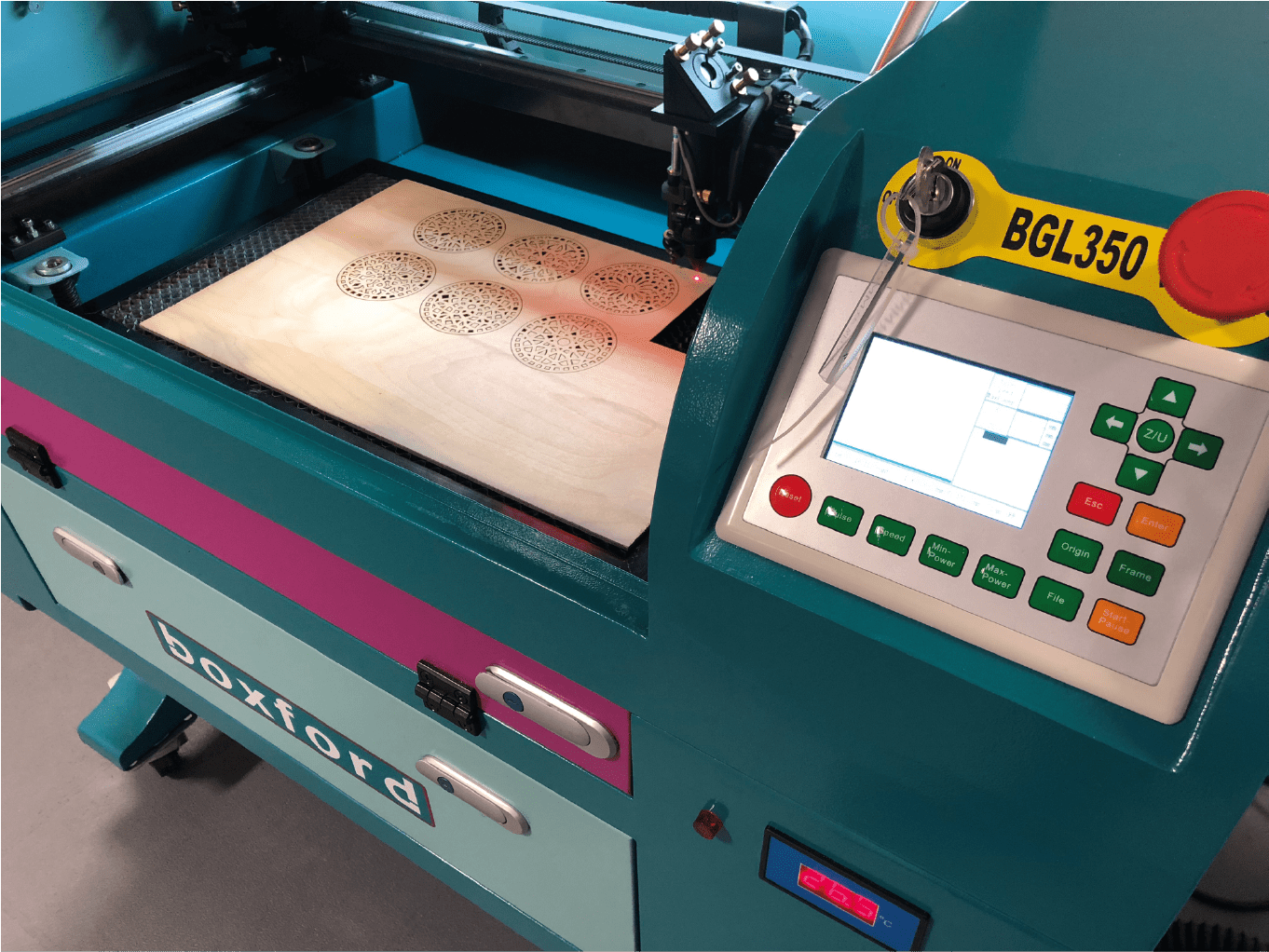
Laser cutting is a subtractive manufacturing process: a highly concentrated laser beam travels over a plane and removes material by burning, melting or vaporising it. Unlike 3D printing, which adds material layer by layer, the laser works on sheets, cutting shapes out of them or engraving patterns on them with great precision.
A versatile technology
Fast, precise and accessible, laser cutting applies to a wide range of non-metallic materials: wood, plywood, acrylic, leather, cardboard, textile… It can be used to prototype mechanical parts and enclosures as well as to make decorative objects, signage or custom engravings. It is an excellent learning tool, linking digital design (CAD, vector drawing) with real making.
Lessons, tutorials and resources to go further
This module gathers the resources on laser cutting and engraving: preparing a cutting file (OnShape, Inkscape), running the machine, sheets for the equipment available and safety instructions. Whether you are a student, a teacher or a curious maker, you will find what you need to design, prepare and cut your first part safely.