Computer-Aided Design (CAD) is the first step of any digital fabrication project: this is where your ideas take shape, become precise drawings, then real parts. This thematic workshop guides you step by step, from the sketch to the manufactured part, with no prerequisites.
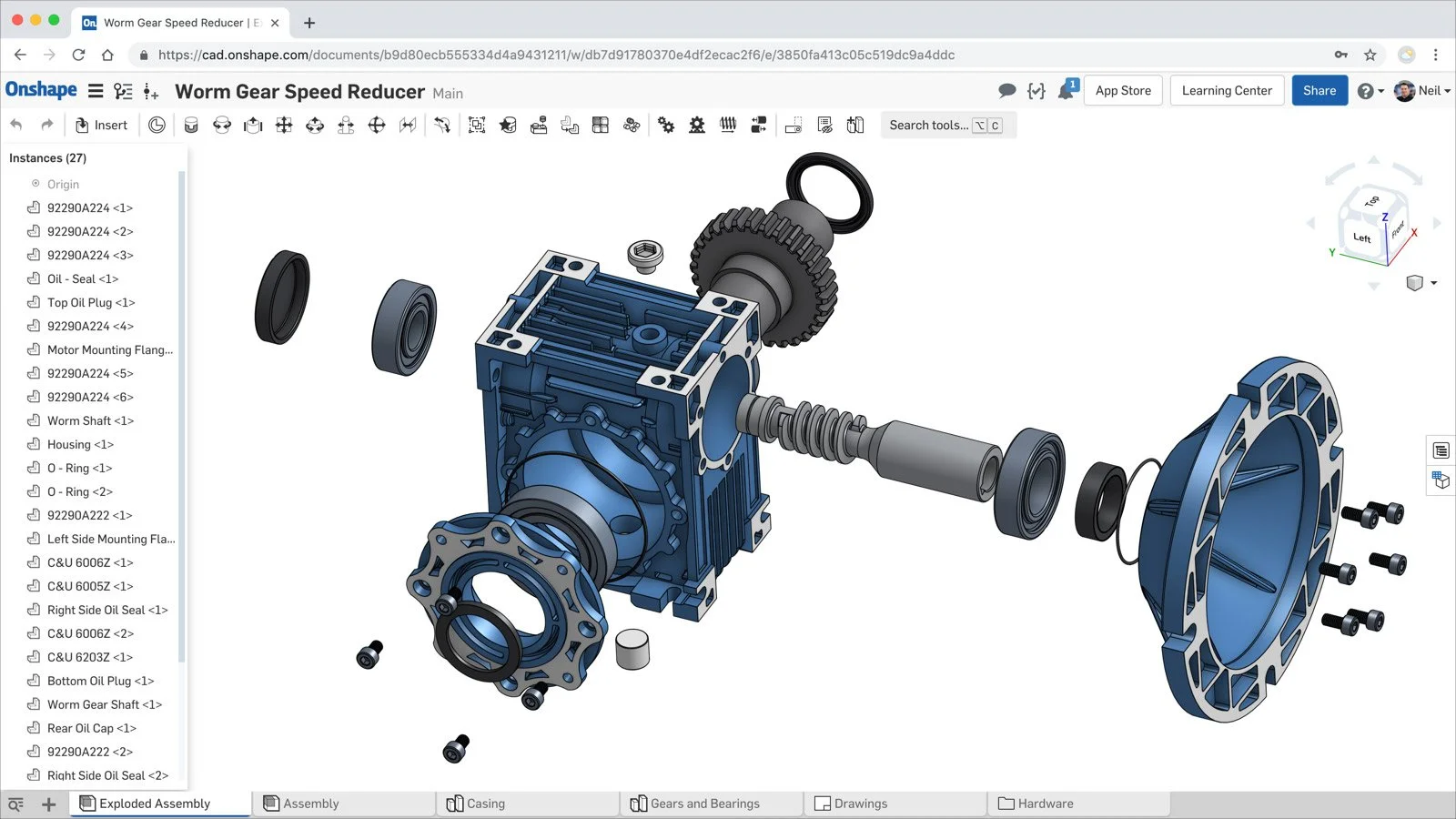
You will discover the two main families of tools at the MakerSpace: 3D design with OnShape, to model volumes and assemblies intended for 3D printing, and 2D vector drawing with Inkscape, to prepare paths intended for laser cutting.
What you will learn
- Read and interpret a technical drawing: understand dimensions, views and conventions before modelling.
- Model in 3D with OnShape: from your first part to a complete assembly of several components.
- Draw in 2D with Inkscape: create clean vector paths, ready for laser cutting.
- Go from the model to the material: prepare and start a 3D print, then a laser cut, on the MakerSpace machines.
- Follow the design rules: anticipate manufacturing constraints (tolerances, inserts, fixings) for parts that work first time.
Who this workshop is for
This workshop is an introduction: it requires no prior knowledge of design. It is an ideal foundation to complete before starting a more ambitious project, such as designing a machine or a robot. Take the time to experiment, fail and start again: you learn to design by designing.