Adjust the PWM pulses to control your servo
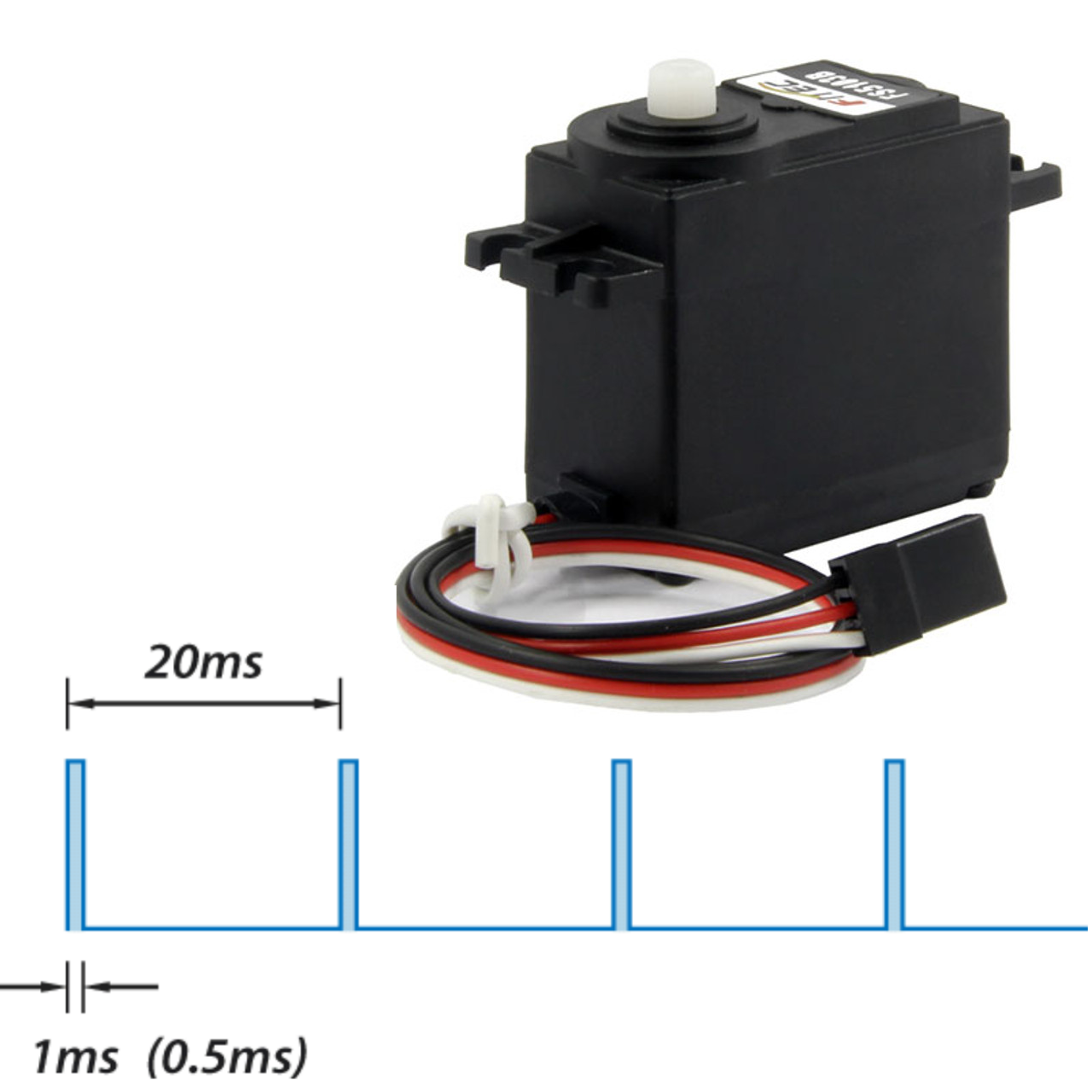
GRBL-Servo: servo calibration
Duration :
Difficulty :
In this tutorial, you will adjust the GRBL-Servo settings to adapt the signal sent to your servo motor.
After flashing GRBL, the position of the servo can normally be controlled from UGS with G-code commands.
But in our case, the servo motor vibrates, heats up or stays stuck against its end stop instead of moving between its two positions.
This behaviour usually means that the pulse (PWM) parameters do not match the real range of your servo motor. We will therefore adjust these settings so that it works properly.
Prérequis
To understand the context and the topics covered in this tutorial, first read the following pages:
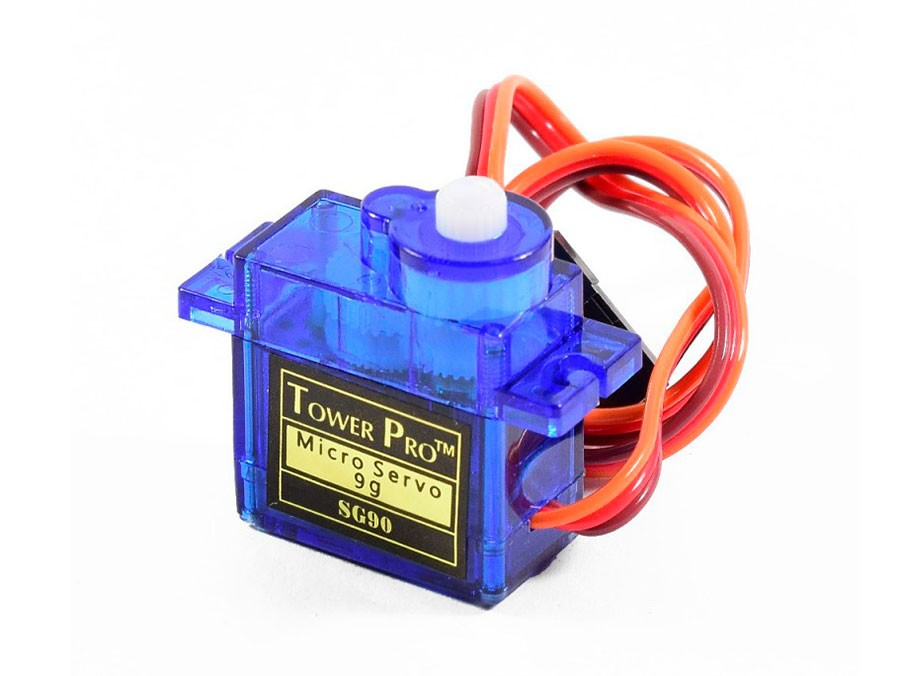
Understanding GRBL-Servo
The original GRBL library is designed to control a CNC milling machine.
One G-code command is therefore dedicated to controlling the milling spindle:
GRBL-Servo repurposes this command, reassigning it to the control of a servo motor.
The source of the problem
In the default configuration of GRBL-Servo, the PWM pulse durations are set for a different model of servo motor.
The information sent by the microcontroller to the servo is misinterpreted by the servo and produces unwanted behaviour.
The solution
To correct this setting, the configuration files in the GRBL-Servo library must be modified:
Install GRBL-Servo
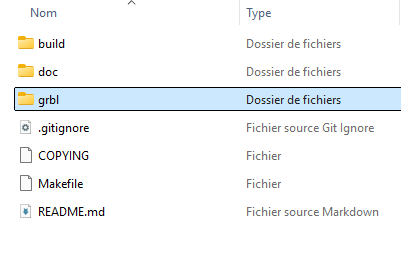
After downloading the library from the GitHub source, extract and open the .zip, then find the grbl folder and copy it into your libraries folder (Documents\Arduino\libraries).
Open spindle_control.c
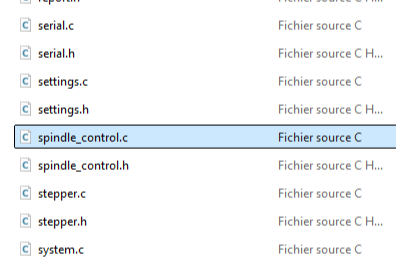
In the grbl folder, find and open the file spindle_control.c in a text editor.
Edit the values
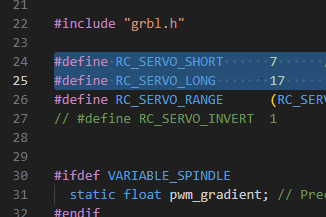
Find the following lines:
#define RC_SERVO_SHORT 7
#define RC_SERVO_LONG 17
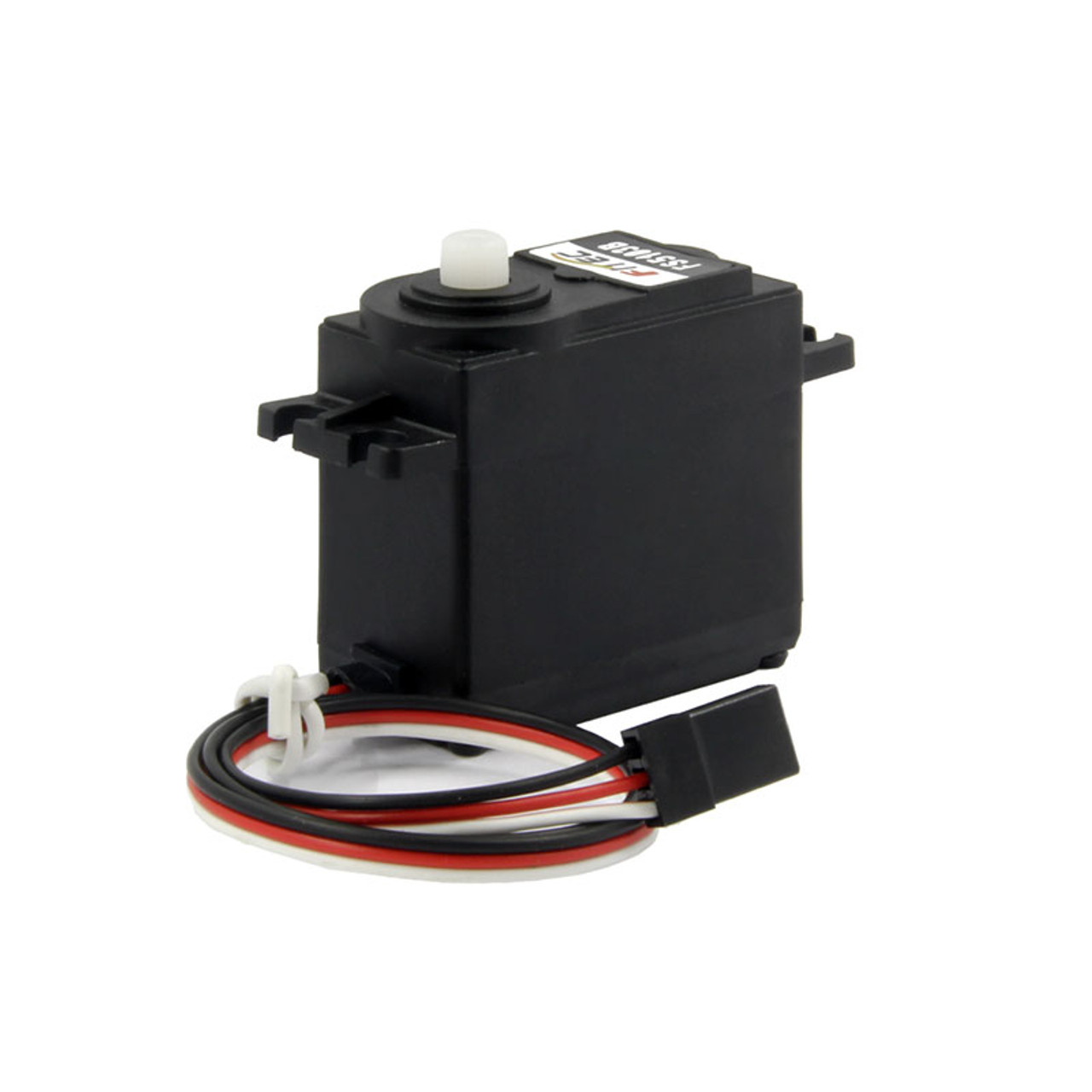
According to the documentation provided by the manufacturer, FS5103B servos have a range of pulse durations of 600→2400 μsec.
So replace them with:
#define RC_SERVO_SHORT 9 // Corresponds to 600 µs
#define RC_SERVO_LONG 34 // Corresponds to 2400 µs
Upload GRBL-Servo
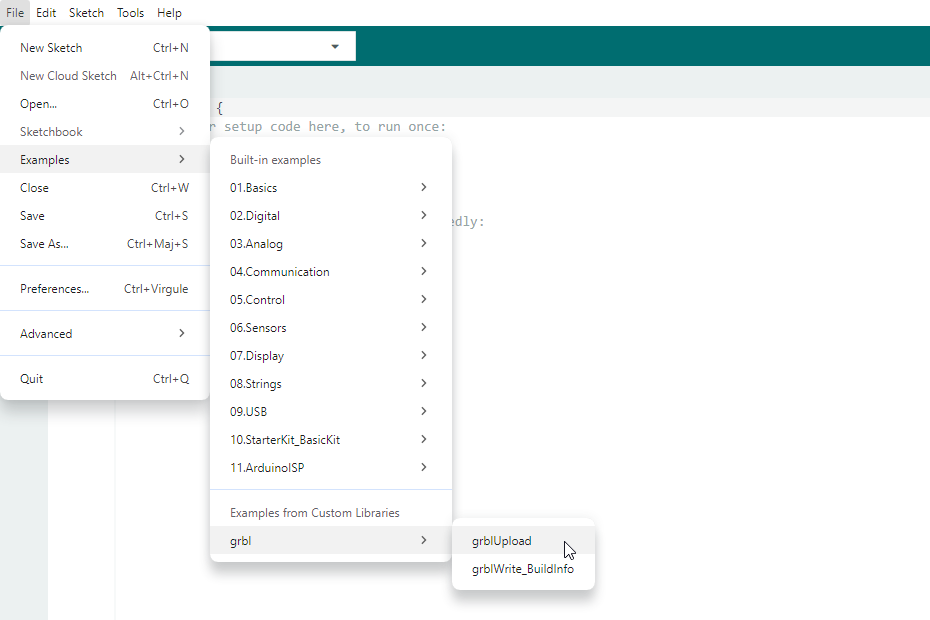
Open the Arduino IDE.
Open the GRBL-Servo upload sketch, File → Examples → grbl → grblUpload.
Finally click  to upload the firmware to your Arduino!
