Information
The .STEP format is recommended because it carries more detail and can export an assembly containing several separate parts in a single file
Export and print the parts of Otto
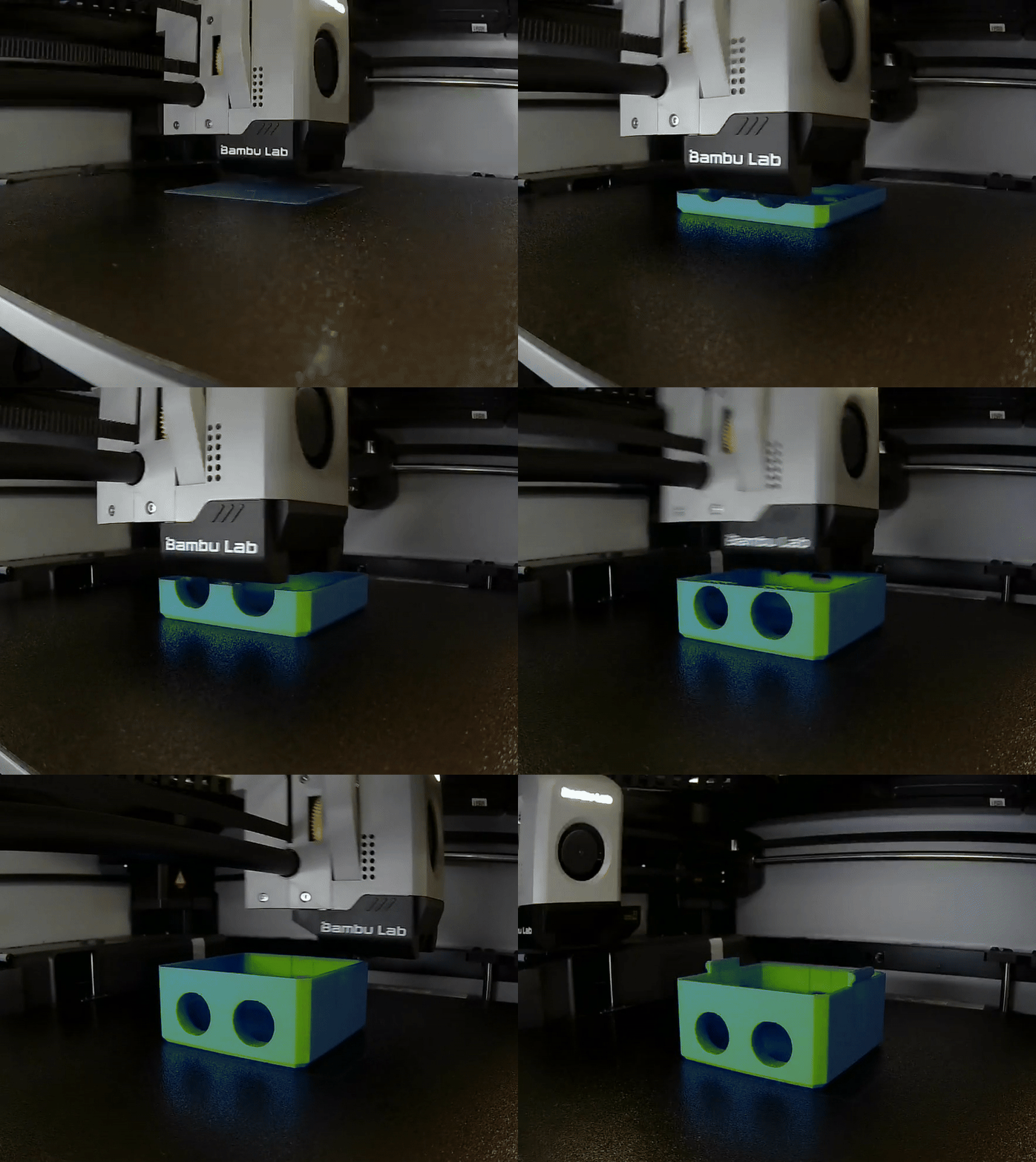
Export and print Otto!
This page details the structure of the assembly file, and how to export a part and print it
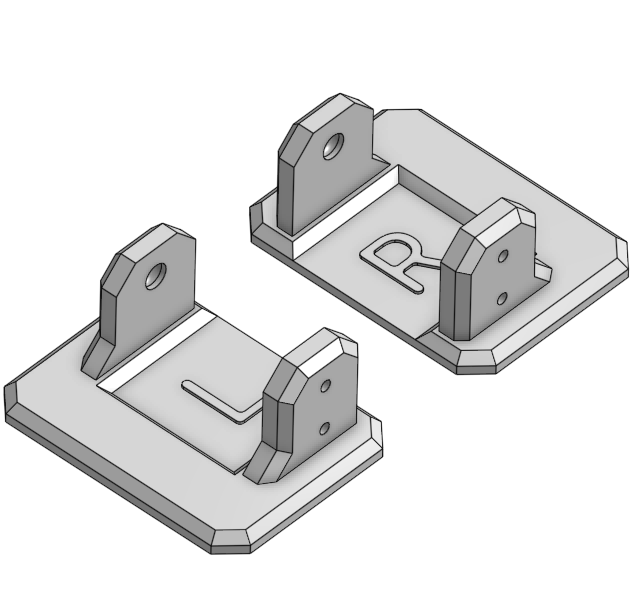
Now that you have duplicated the OTTO-MKS file, you must export and print the following parts in the colours of your choice:
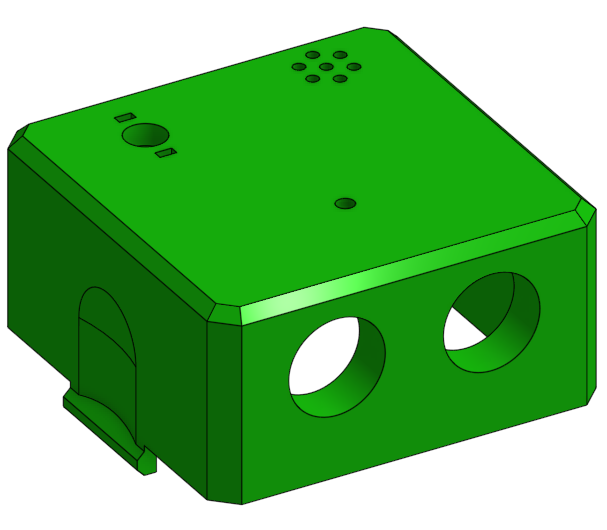
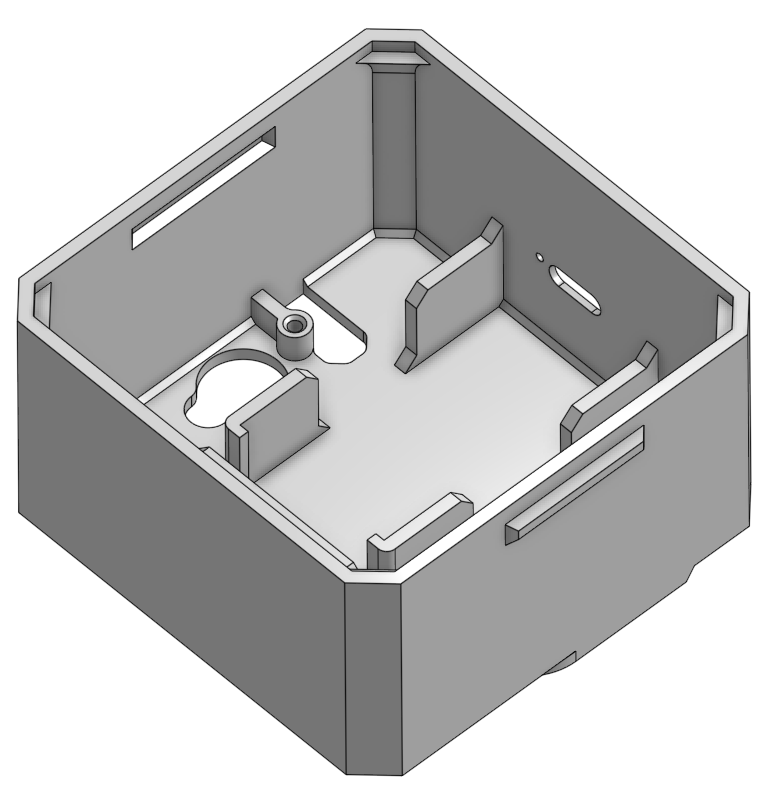
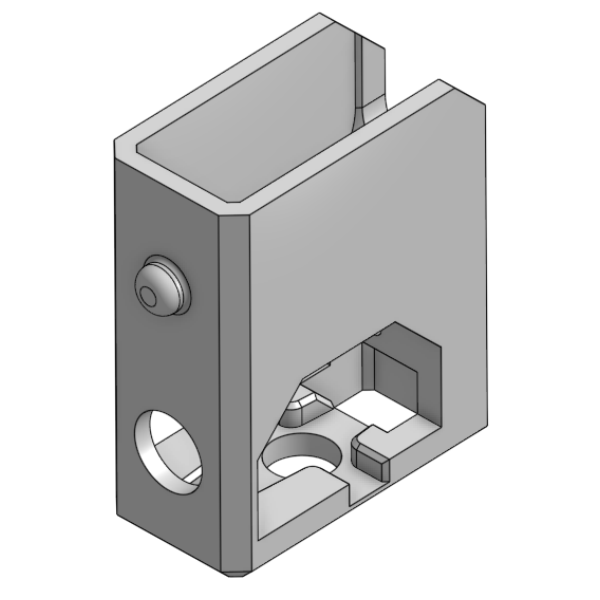
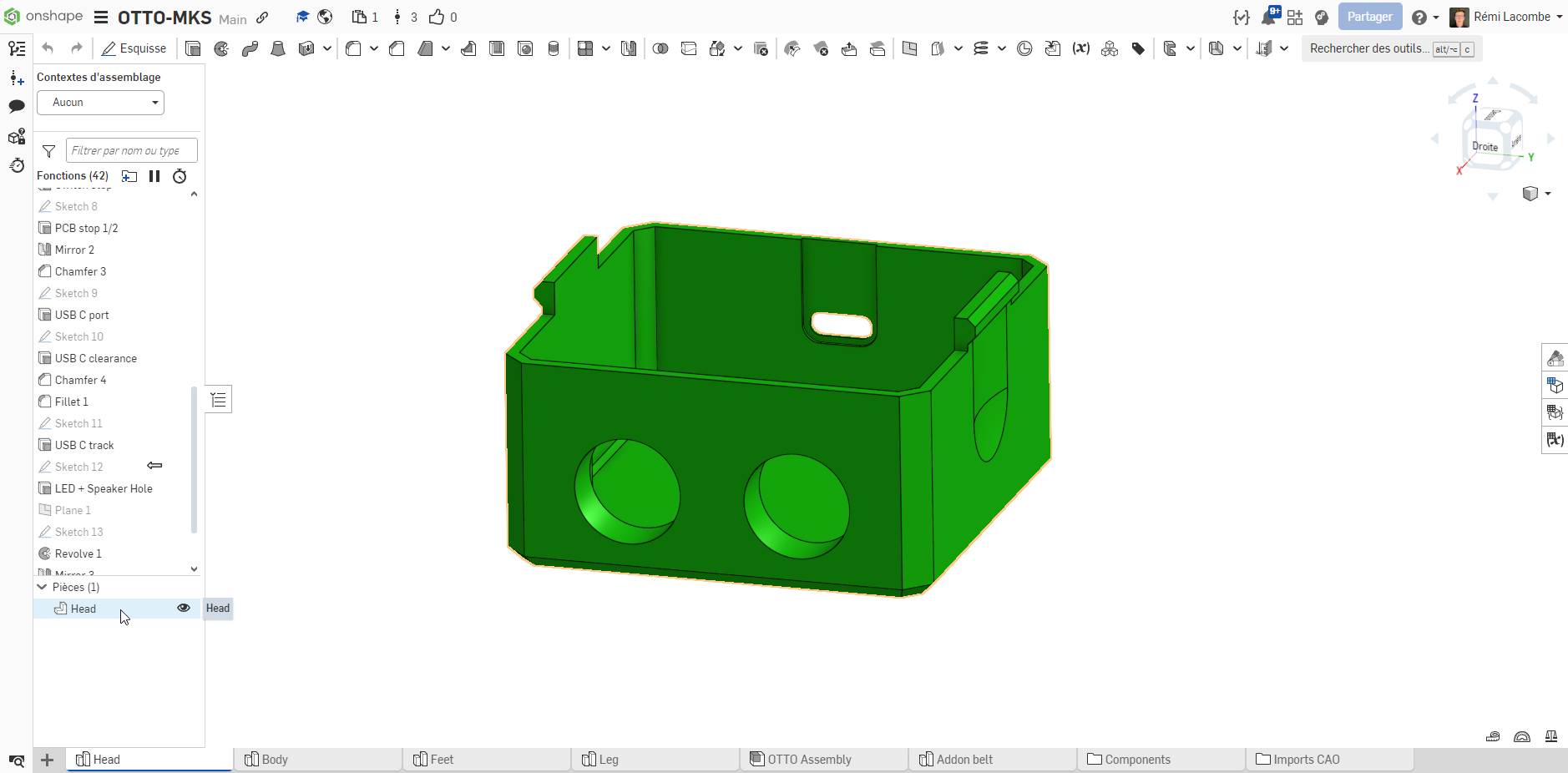
First select the tab containing the part to export. We take the Head part as an example.
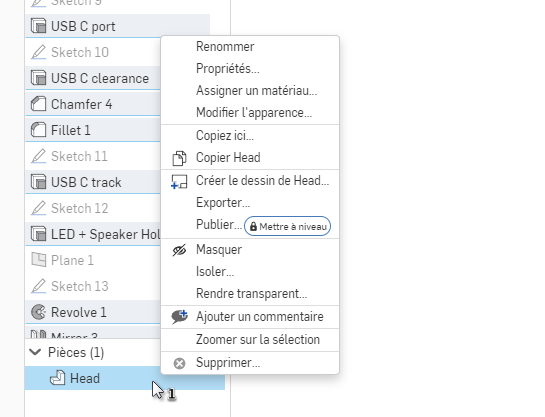
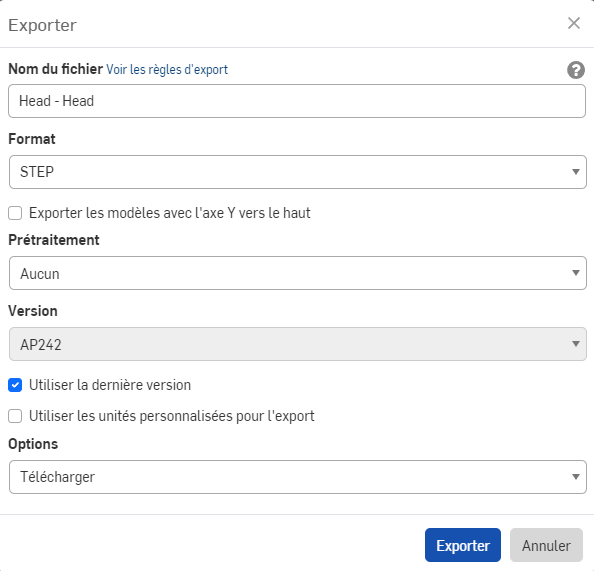
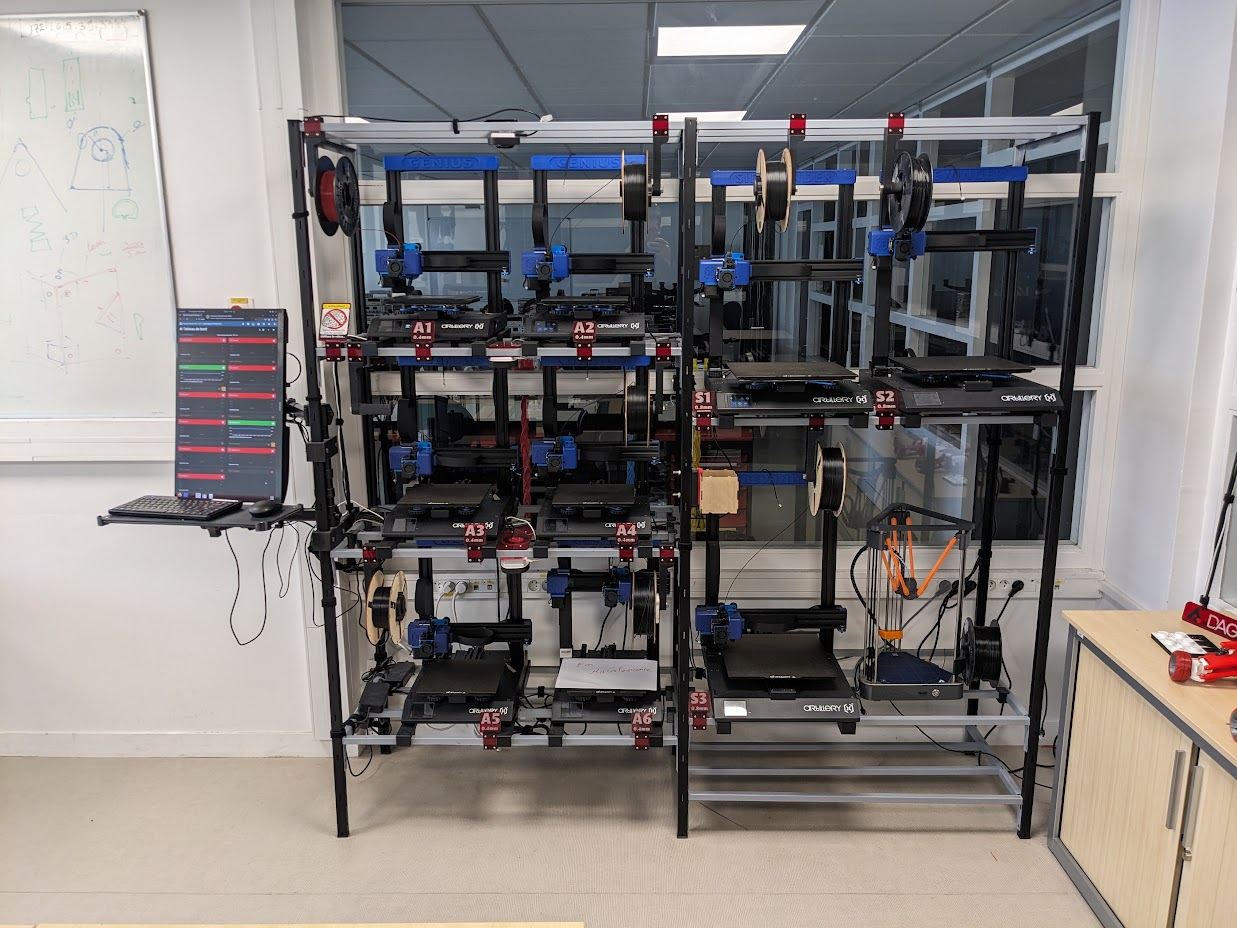
Copy the downloaded file to a USB stick, go to the PrinterLab and follow this tutorial
While your parts are printing, follow the next tutorials carefully, starting with discovering the electronic board! 04 - Discover the Otto board
