Discover the dataset, look at the images and their labels, then explore its structure before preparing the data for training
Understanding the problem and the data
Created by: Lina Abousalama
Goal
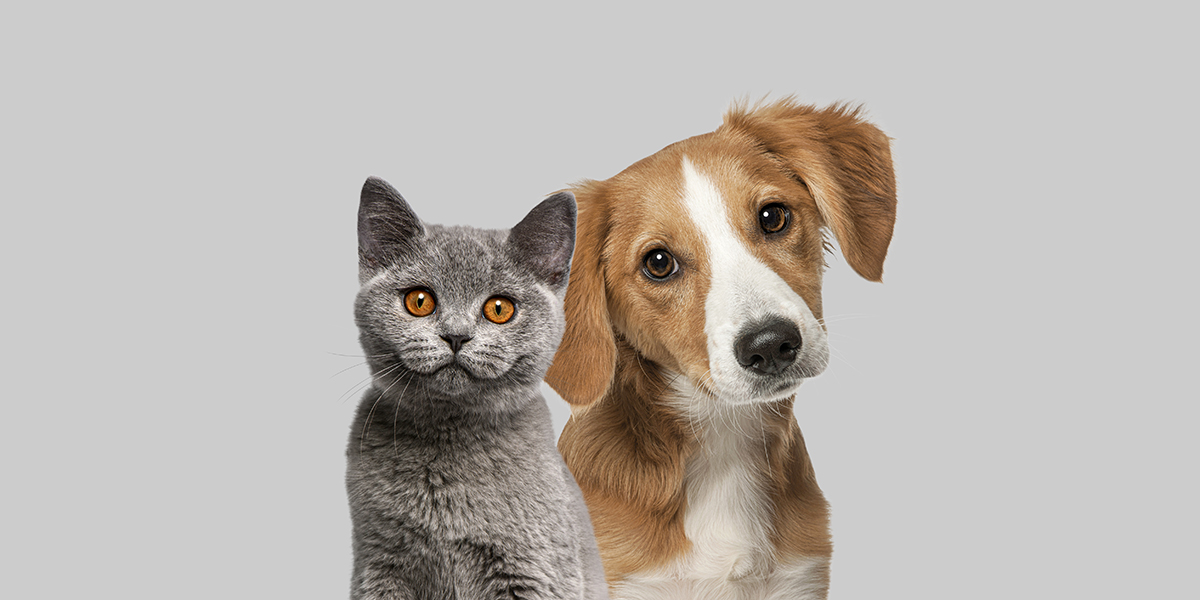
A model learns from the examples it is given. In this tutorial, we explore an existing dataset made of images of cats and dogs, looking at its content, its labels and its organisation. This step helps us understand the nature of the data, define the problem and choose the most suitable machine learning strategy before training the model.
By the end of this tutorial, you will be able to:
- load a dataset with TensorFlow Datasets;
- check its classes and how they are distributed;
- examine the shape and values of the images;
- view examples;
- work out which preprocessing to apply.
Steps
Step 1: Load the dataset
A dataset can come from different sources:
- files (CSV, Excel, JSON or image folders);
- a relational or transactional database;
- an online library.
In this project, we chose the third option: we use the public Cats vs Dogs dataset, available in the TensorFlow Datasets library.
dataset, info = tfds.load(
    "cats_vs_dogs",       # Name of the dataset
    split="train",        # Training split
    as_supervised=True,  # Each item contains an image and its label
    with_info=True
)

print("Dataset downloaded!")
print("Classes:", info.features["label"].names)
Step 2: Go through the dataset
Before preparing the data, we need to know its structure: how many images the dataset contains, what the classes are, how big the images are and what kind of values the pixels take.
classes = info.features["label"].names
image_count = info.splits["train"].num_examples

class_counts = Counter()
image_shapes = Counter()
min_pixel = 255
max_pixel = 0
first_image = None
first_class = None

for image, label in tfds.as_numpy(dataset):
    class_name = classes[int(label)]
    class_counts[class_name] += 1
    image_shapes[image.shape] += 1

    min_pixel = min(min_pixel, int(image.min()))
    max_pixel = max(max_pixel, int(image.max()))

    if first_image is None:
        first_image = image
        first_class = class_name

print("Total number of images:", image_count)
print("Classes:", classes)
print("Number of images per class:", class_counts)
print("Number of different image shapes:", len(image_shapes))
print("Most common shapes:", image_shapes.most_common(5))
print("Pixel type:", first_image.dtype)
print("Minimum pixel value:", min_pixel)
print("Maximum pixel value:", max_pixel)
The dataset contains 23,262 images in two classes: cat (11,658 images) and dog (11,604 images). The images vary a great deal in size (6,462 different shapes); the most common shape is 375 × 500 pixels (height × width). Each colour image has three RGB channels, and its pixels are stored in uint8 format, with values between 0 and 255.
Step 3: View examples
classes = info.features["label"].names  # Class names

plt.figure(figsize=(10, 6))  # Set the size of the figure

for i, (image, label) in enumerate(tfds.as_numpy(dataset.take(6))):
    plt.subplot(2, 3, i + 1)  # Place each image in a 2 × 3 grid
    plt.imshow(image)  # Display the image
    plt.title(classes[int(label)])  # Display its label
    plt.axis("off")  # Hide the axes

plt.tight_layout()
plt.show()
Conclusion
The dataset is balanced, labelled and very varied. It needs two processing steps:
- A model expects inputs of a fixed size: all the images will have to be resized to the same size.
- The values from 0 to 255 will be normalised (divided by 255) to get numbers between 0 and 1, which a neural network handles more easily.
These operations are the subject of the next step, data preparation.
