Split the dataset into three sets, resize the images to 96 × 96 pixels and normalise the pixel values before training
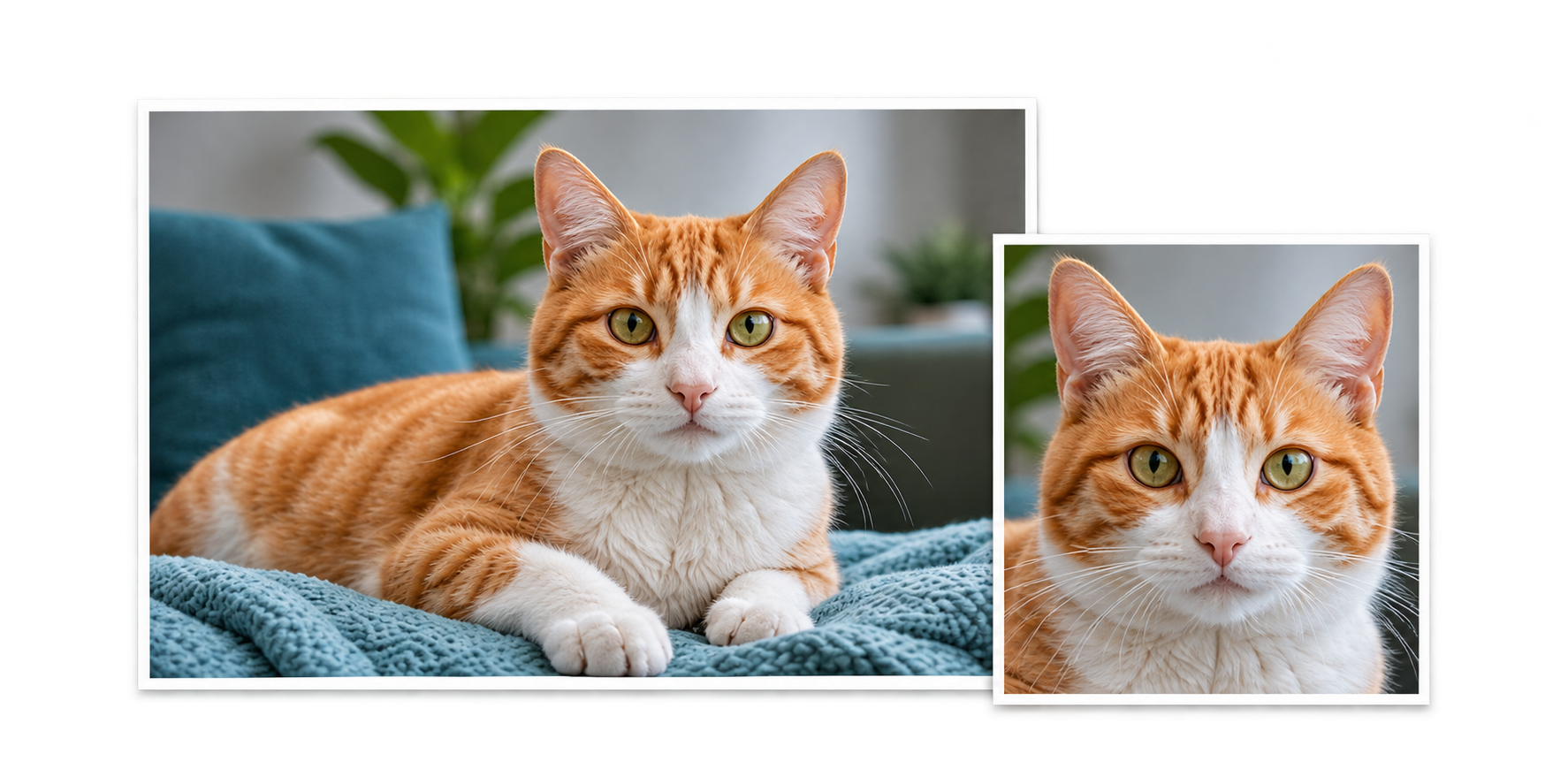
Data preprocessing
Created by: Lina Abousalama
Goal
A model cannot learn directly from raw images: they have different sizes and their pixels take values between 0 and 255. In this tutorial, we prepare the Cats vs Dogs dataset for training: we split it into three sets, give all the images the same size, normalise their pixels and group them in batches. This step guarantees that the model receives uniform data and that it is evaluated on images it has never seen.
By the end of this tutorial, you will be able to:
- split a dataset into training, validation and test sets;
- resize images to a single size;
- normalise pixel values;
- group data in batches.
Steps
Step 1: Split into three sets
We split the dataset into three sets: training (70%), validation (15%) and test (15%). The model learns on the training set, is tuned with the validation set and is only evaluated at the end, on the test set.
train_data, validation_data, test_data = tfds.load(
    "cats_vs_dogs",
    split=["train[:70%]", "train[70%:85%]", "train[85%:]"],
    as_supervised=True
)
train_count = sum(1 for image, label in train_data)
validation_count = sum(1 for image, label in validation_data)
test_count = sum(1 for image, label in test_data)

print("Training images:", train_count)
print("Validation images:", validation_count)
print("Test images:", test_count)
- The 23,262 images are divided into three sets: 16,283 for training (70%), 3,490 for validation (15%) and 3,489 for testing (15%).
- This split is fixed: on every run, the same images end up in each set, which makes the results reproducible.
Step 2: Resize the images and normalise the values
We give all the images the same size (96 × 96 pixels), bring the pixel values between 0 and 1, then group the images in batches of 32.
def prepare_image(image, label):
    image = tf.image.resize(image, (96, 96))
    image = image / 255.0
    return image, label

train_data = train_data.map(prepare_image).shuffle(500).batch(32)
validation_data = validation_data.map(prepare_image).batch(32)
test_data = test_data.map(prepare_image).batch(32)
images, labels = next(iter(train_data))

print("Shape of the images:", images.shape)
print("Shape of the labels:", labels.shape)
The images were resized to 96 × 96 pixels to give them the same size and reduce the computation. The three colour channels (RGB) were kept, then the pixels were normalised between 0 and 1 by dividing their values by 255, to make learning easier. Finally, the images were grouped in batches of 32: each batch contains 32 images and their 32 matching labels.
Conclusion
The dataset is now ready for training: it is split into three sets (16,283 training images, 3,490 validation images and 3,489 test images), all the images have the same size of 96 × 96 × 3, their pixels are between 0 and 1, and they are grouped in batches of 32.
Two points need attention for what follows. First, rectangular images are distorted into squares, because resizing does not preserve proportions. Second, the same preprocessing (resizing to 96 × 96, then dividing by 255) will have to be reproduced identically when deploying on the microcontroller, otherwise the model will receive data that differs from the training data.
The next step is training the model.
