Who this module is for
Any campus user who wants to use one of the MakerSpace FDM 3D printers unsupervised.
This module can be taken as part of the first-year class that covers 3D printing, but it applies to you just as much if you did not take it in that setting.
Why this level of vigilance
The risk is low overall on these machines, but open, lightly supervised access calls for a minimum of rigour, particularly regarding heat and the materials used.
Identified risks
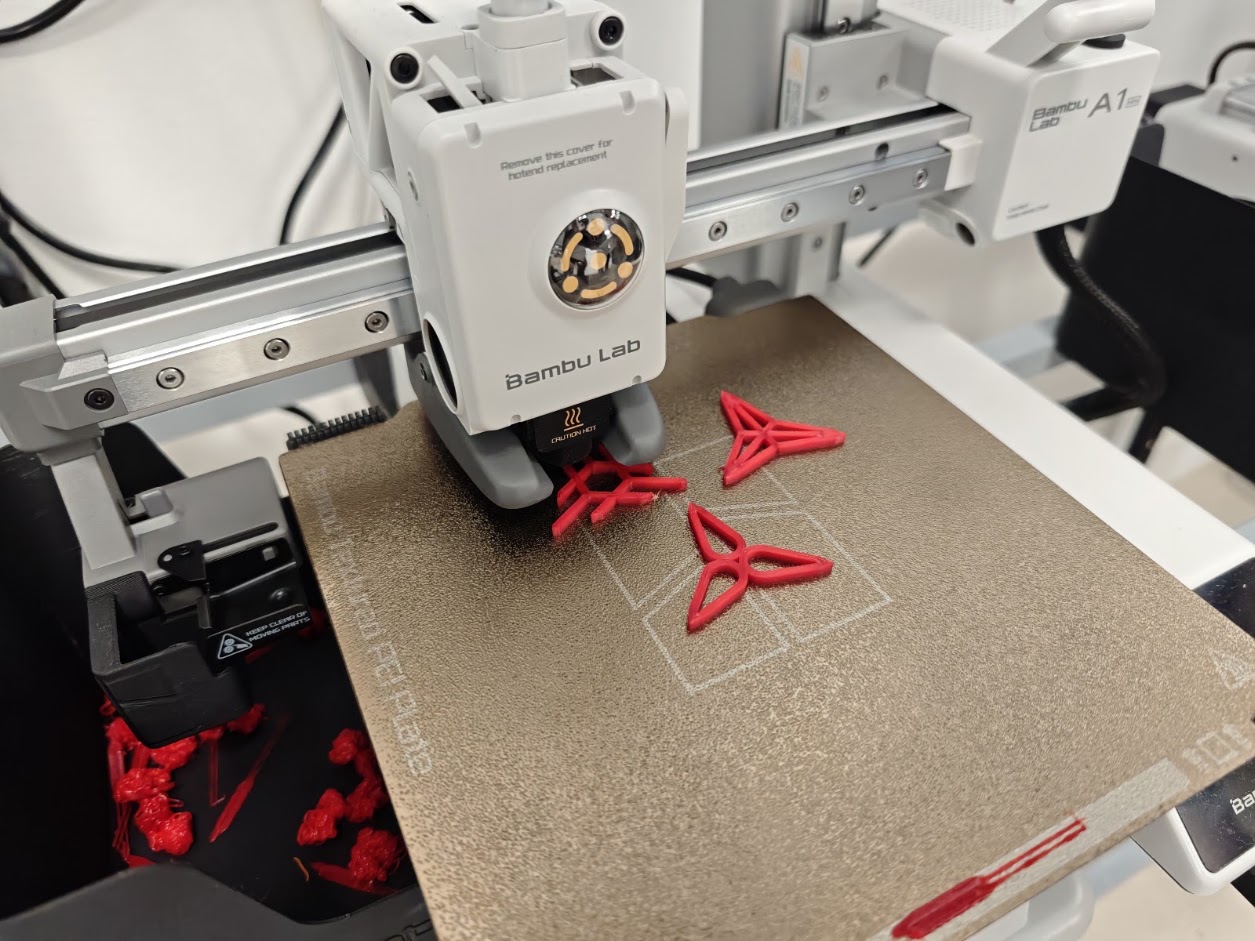
The nozzle heats to between 200 and 260 °C depending on the material, and the bed may be heated too. Never touch either during a print.
Emission of particles and volatile compounds
Moderate risk
ABS gives off more ultrafine particles and volatile compounds than PLA or PETG. This is why ABS is reserved for supervised sessions (see Allowed materials below).
Moving parts
Moderate risk
Axes, belts, fans: never intervene by hand on a powered machine.
An electrical fault, or a print left with no possibility of supervision, can get out of hand. Never start a long print unless it can still be supervised (by you or by someone else present in the space).
Allowed materials
Fully unsupervised: PLA, PETG, TPU.
Any other material (ABS and others): not usable unsupervised. Their use is overseen by the supervisors: ask before any use, so that it is done in the best conditions (ventilation, suitable settings).
PPE and equipment required
No specific PPE in normal use. Heat-resistant gloves are recommended for removing hot parts or cleaning the nozzle.
Instructions before / during use
Check that the material used is one allowed for unsupervised use.
Do not leave a print with no possibility of supervision at all.
Do not touch the nozzle or the bed during a print.
Never start a print in a rush, without taking the time to check. If you are in a hurry (e.g. between two classes), it is better not to start the print: the safety of people and machines comes first.
Always check that no part is already on the bed before starting a print.
Stay near the printer during the first layers, to check that all is well before you walk away.
For a long print, ask at the end of the day: unless a specific case has been seen and approved by a supervisor, printers are not left running overnight. Any print still running when the last supervisor leaves will be stopped.
What to do in case of an incident
Whatever the incident, immediately tell the MakerSpace supervisor present: they take charge of the situation. Your safety comes first: if in doubt about an action, do not do it; raise the alarm and evacuate rather than intervene.
Minor burn: cool immediately under lukewarm water for several minutes; never burst a blister. Let the victim adjust the water temperature themselves to whatever relieves them: neither icy nor hot.
Fire starting: never go near a fire of electrical origin to cut the power at the source. Only cut the power if a switch or an emergency stop is accessible without approaching the fire. Otherwise, raise the alarm (with the supervisor present and, if needed, by calling 18/112) and evacuate calmly. A fire extinguisher is only used from a safe distance, on a small fire that can be controlled, and only if you know how to use it.